






























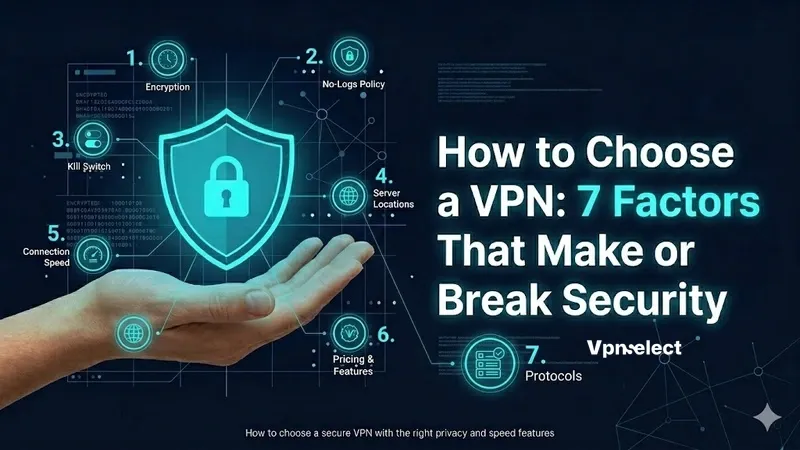
Not every VPN keeps you safe. Some log your data, some leak your IP, and some are just too slow to be useful. If you’re wondering how to choose a VPN that actually protects you, it comes down to a handful of factors that most people overlook.
This guide breaks down 7 key factors you need to check before committing to any provider – from encryption strength and logging policies to server locations, jurisdiction, and pricing traps. Whether you need a VPN for daily browsing, remote work, or international travel, these are the factors that separate a reliable VPN from a risky one.
How to Choose a Secure VPN?
Choosing a secure VPN starts with three non-negotiable features: strong encryption, a verified no-log policy, and a reliable kill switch. Here’s how to evaluate each one before you hand over your payment details.
How Do You Know If a VPN’s Encryption Is Strong Enough?
The quickest way to check is to look for AES-256 encryption on the provider’s website or app settings. This is the current industry baseline – anything weaker is a red flag.
You’ll also see protocol names like WireGuard, OpenVPN, and IKEv2. These are the three protocols widely considered secure in 2025. If a provider still relies on PPTP or basic L2TP, walk away. Those protocols have known vulnerabilities that make them unreliable for protecting sensitive data.
One thing worth noting: many providers advertise “military-grade encryption” as a selling point. That phrase sounds impressive but means very little in practice. AES-256 is AES-256 – every reputable VPN uses it. The term is marketing, not a differentiator. Focus on the actual protocol and encryption standard listed, not the label wrapped around it.
How Do You Verify a No-Log Policy Is Real?
A no-log policy means the VPN provider claims it doesn’t store records of your browsing activity, connection timestamps, or IP addresses. The problem is that anyone can claim this. The real question is whether it’s been independently verified.
Look for providers that have undergone third-party audits from firms like Deloitte, PwC, or Cure53. These audits examine the provider’s infrastructure and confirm whether the no-log claim holds up in practice. Some VPNs have even had their policies tested in court – when authorities requested user data and the provider had nothing to hand over, that’s about as solid as verification gets.
Red flags to watch for: vague privacy policies that mention “anonymized data collection,” providers based in countries with mandatory data retention laws, or VPN providers that have never published an audit report.
Does a Kill Switch Really Matter?
Yes – a kill switch is one of the most important features when deciding how to choose a VPN for everyday use. It cuts your internet connection instantly if the VPN drops, preventing your real IP address and unencrypted traffic from being exposed.
Without a kill switch, every connection interruption – whether from Wi-Fi switching, server issues, or a brief signal drop – becomes a window where your data travels unprotected. This matters especially on public networks.

Two more things to look for: DNS leak protection and IPv6 leak protection. These stop your device from accidentally sending requests outside the encrypted tunnel, even while the VPN appears connected.
Why Does a VPN’s Location Matter More Than You Think?
Yes, a VPN’s location – both its servers and its headquarters – directly affects your speed, access, and legal protection. Most people focus only on price or features, but location is where real differences show up.
Why Server Location Counts More Than Quantity?
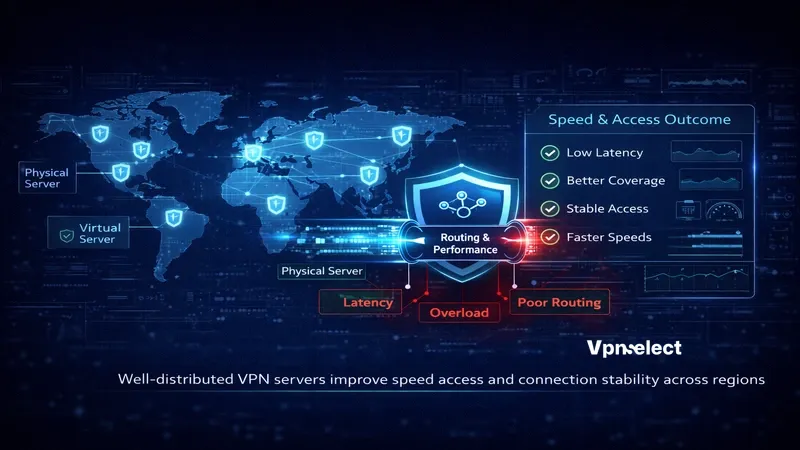
A VPN advertising 5,000+ servers sounds impressive, but what actually matters is where those servers are distributed. If most of them sit in the same few countries, you won’t get much benefit in terms of speed or access from different regions.
Prioritize geographic spread over raw numbers. A server physically close to your location delivers lower latency and faster speeds. A provider with 2,000 well-distributed servers across 60+ countries often outperforms one with 6,000 servers concentrated in 20 countries.
One more thing: check whether servers are physical (bare-metal) or virtual. Virtual servers can appear to be in one country while actually being hosted elsewhere. Reputable providers clearly disclose which ones are physical and which are virtual.
How to Check a VPN’s Speed Before You Commit?
You don’t have to guess. Most trustworthy providers offer either a free trial period or a 30-day money-back guarantee. Use that window to test speed on your actual devices and network.
Run a speed test with the VPN off, then on, using the same server location. A 10–20% speed reduction is normal. Anything above 30–40% suggests either server overload, poor infrastructure, or a protocol that isn’t optimized for your setup.
You can also check independent benchmarks from sources like do I need a VPN reviews and testing labs that publish real-world speed data. Avoid relying solely on the provider’s own speed claims – they’re tested under ideal conditions that rarely match everyday use.
How Does the Country a VPN Is Based In Affect Your Data Safety?
The country where a VPN company is headquartered determines which laws govern its operations, including whether it can be compelled to hand over user data.
The US, UK, Canada, Australia, and New Zealand form the Five Eyes – an intelligence-sharing alliance. There are also broader groups called Nine Eyes and Fourteen Eyes that include even more countries. A VPN headquartered in any of these countries may be forced to hand over user data, regardless of its no-log claims.
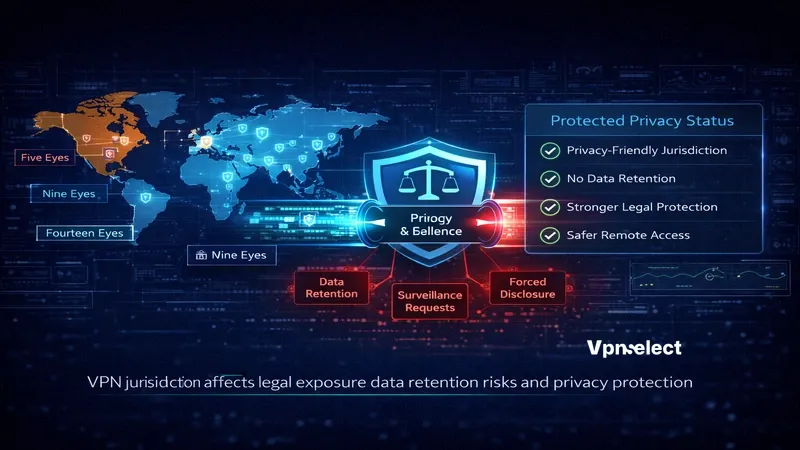
This is why many security-focused VPN providers choose to base their operations in privacy-friendly jurisdictions like Panama, the British Virgin Islands, or Switzerland. These regions have no mandatory data retention laws and are outside major intelligence-sharing agreements.
When figuring out how to choose a secure VPN for travel and work, jurisdiction becomes even more critical. If you’re connecting from countries with strict internet censorship, your VPN provider’s legal home determines how much protection you actually get.
How to Choose a VPN That Balances Price With Real Value?
When it comes to how to choose a VPN provider, evaluate what you’re getting per dollar – not just the monthly cost. A cheap VPN with poor security is more expensive in the long run than a mid-range one that actually works.
Are Free VPNs Safe?
In most cases, no. Free VPNs need to generate revenue somehow, and that usually means showing ads, limiting bandwidth, or – worse – selling your browsing data to third parties.
Several free VPN apps have been caught logging user activity and sharing it with advertisers and data brokers, which directly contradicts the reason you’d use a VPN in the first place. A 2024 report by Top10VPN found that over 80% of free VPN apps in major app stores had some form of privacy risk.
The only scenario where a free VPN is acceptable is when you’re using a limited free tier from a reputable paid provider – like a trial version with restricted servers and bandwidth. Even then, it’s a temporary solution, not a long-term one. For a broader look at affordable options, check out the best cheap VPN 2026 list.
What Should You Actually Pay For?
Not all paid features are worth the money. Here are the ones that actually make a difference:
- Simultaneous device connections: Some providers cover 5 devices, others offer unlimited. If you have a household with multiple devices, this matters.
- Dedicated IP: Useful if you need consistent access to services that block shared VPN IPs.
- Multi-hop connections: Routes your traffic through two servers instead of one for added privacy.
- Split tunneling: Lets you choose which apps go through the VPN and which use your regular connection.
On subscription plans, annual or multi-year plans are significantly cheaper per month than monthly billing. However, commit to a long plan only after testing the service first. Always confirm the refund policy – a 30-day money-back guarantee is standard. Anything less should raise questions.
Ignore buzzwords like “military-grade encryption” or “fastest VPN on earth.” These are marketing claims, not measurable features. Pay for infrastructure and verified security, not slogans.
What Else to Know Before Picking a VPN?
Beyond the 7 factors above, two things often catch people off guard: what a VPN can’t do, and what features actually matter depending on how you use it.
What Are the Real Limits of a VPN?
A VPN encrypts your traffic and masks your IP address. It does not protect you from malware, phishing emails, or cookie-based tracking. If you click a malicious link while connected to a VPN, you’re still at risk.
A VPN also doesn’t make you fully anonymous. Your VPN provider can still see your traffic (which is why no-log policies matter), and websites can still identify you through browser fingerprinting, logged-in accounts, or cookies.
For real protection, pair your VPN with antivirus software, a privacy-focused browser, and basic security habits. A VPN is one strong layer – but it’s not the whole picture.
What Features Actually Matter for Travel and Remote Work?
If you travel frequently or work remotely, certain VPN features go from “nice to have” to essential:
- Obfuscated servers: Disguise VPN traffic as regular traffic. Critical in countries like China, Russia, or Iran where VPN use is restricted or monitored.
- Multi-hop: Adds an extra layer of encryption by routing through two servers. Useful when working with sensitive data on untrusted networks.
- Split tunneling: Lets you route banking or work apps through the VPN while keeping local services on your regular connection, avoiding unnecessary slowdowns.
- RAM-only servers: These wipe all data on every reboot, meaning nothing is stored permanently. A strong indicator of a provider that takes privacy seriously.
- Warrant canary: A public statement that the provider has not received secret government subpoenas. If it disappears, it’s a signal that something has changed.
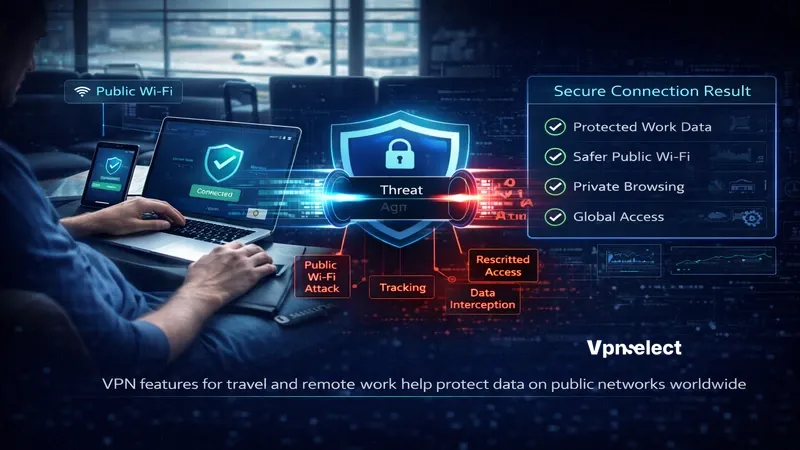
For streaming or gaming while traveling, server speed and geographic coverage matter most. Make sure the provider has servers in the region whose content you need to access, and test latency before committing to a longer subscription. Our VPN guide goes deeper into each of these use cases.
Choosing a VPN isn’t complicated once you know what to look for. Strong encryption, a verified no-log policy, a kill switch, smart server coverage, reliable speed, a privacy-friendly jurisdiction, and honest pricing – these seven factors separate a VPN that protects you from one that just pretends to.
Don’t rush the decision. Use free trials, check independent audits, and test speed on your own network before locking into a plan. For more detailed comparisons and reviews, visit VPNSelect – a practical resource built to help you pick the right VPN without the guesswork.

Leave a comment