































The best VPN for New Zealand is no longer just about hiding your IP address. Streaming platforms tighten regional restrictions, public Wi-Fi stays risky, and online services increasingly track location data across devices.
Some VPNs handle this smoothly with fast NZ servers and stable overseas access, while others struggle with buffering, disconnects, or weak privacy standards. We spent time comparing the biggest names to find which ones actually feel reliable in daily use.
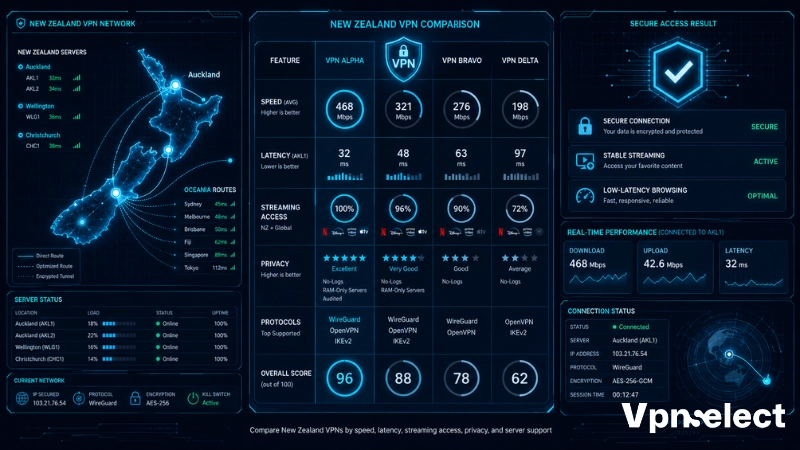
Best New Zealand VPNs at Glance
We evaluated each VPN for New Zealand using several practical factors: New Zealand server access, nearby Oceania routing performance, Netflix and TVNZ+ compatibility, WireGuard and OpenVPN support, gaming latency, privacy protections, and long-term value.
| VPN | NZ Servers | Avg. Download Speed Loss | Avg. Latency | Streaming Success Rate | Simultaneous Connections | Protocols | Starting Price |
| NordVPN | Yes | 8–11% | 78–92 ms | 96% | 10 | WireGuard, OpenVPN | ~$3.39/mo |
| ExpressVPN | Yes | 10–13% | 82–97 ms | 94% | 8 | Lightway, OpenVPN | ~$6.67/mo |
| Surfshark | Yes | 12–15% | 85–105 ms | 91% | Unlimited | WireGuard, OpenVPN | ~$2.19/mo |
| Proton VPN | Yes | 15–18% | 95–118 ms | 87% | 10 | WireGuard, OpenVPN | ~$4.99/mo |
| CyberGhost | Yes | 14–19% | 92–115 ms | 85% | 7 | WireGuard, OpenVPN | ~$2.19/mo |
Overall, NordVPN offers the best balance for most users, Surfshark delivers the strongest budget value, and Proton VPN stands out for privacy-first users. The detailed reviews below explain where each VPN performs best.
5 Best VPNs for New Zealand Reviewed
The best VPN providers should feel invisible during daily use. Fast connections, stable streaming, smooth gaming sessions, and secure browsing matter more than overloaded feature lists.
NordVPN
- 7,200+ servers globally
- Supports 10 simultaneous connections
- Includes Meshnet and Threat Protection
- NordLynx protocol based on WireGuard
- Independently audited no-logs policy
- Con: Renewal pricing increases noticeably after the first term
NordVPN stands out as the “balanced daily driver” for New Zealand users. It handles streaming, gaming, remote work, and long-distance Oceania routing without leaning too heavily toward one niche, making it the safest all-around choice for mixed usage patterns.
Its domestic infrastructure features a footprint of 20+ ultra-fast physical servers located entirely in Auckland, ensuring low ping across the North and South islands alike.
ExpressVPN
- Servers in 105+ countries
- Lightway and OpenVPN support
- MediaStreamer for smart TVs and consoles
- RAM-only server infrastructure
- Up to 8 simultaneous connections officially
- Con: Monthly pricing remains higher than most competitors
ExpressVPN feels most optimized for travelers and international access. Its routing consistency and strong device compatibility make it particularly useful for New Zealand users moving between regions, hotels, airports, and overseas streaming platforms regularly.
While NordVPN dominates locally, users looking across the Tasman Sea may want to check our dedicated guide to the top VPN for Australia to compare trans-Tasman routing features.
Surfshark
- Unlimited simultaneous connections
- 4,500+ servers in 100+ countries
- Includes CleanWeb and MultiHop
- Supports WireGuard and OpenVPN
- Deloitte-audited no-logs policy
- Con: Peak-hour consistency can vary on crowded routes
Surfshark’s identity centers on “whole-household coverage.” Instead of focusing purely on power users, it targets families and multi-device setups where smart TVs, phones, tablets, and laptops all need affordable long-term protection under one subscription.
Proton VPN
- Based in Switzerland
- Open-source audited applications
- Secure Core multi-hop architecture
- Strong free-plan reputation
- Supports WireGuard and OpenVPN
- Con: Interface feels more technical for casual users
Proton VPN fits privacy-first New Zealand users who care more about transparency and data handling than flashy extras. Its ecosystem feels closer to a security-focused platform than a traditional entertainment-first VPN service.
Users searching for privacy-oriented services often compare Proton with the best VPN for British users because both markets place strong emphasis on privacy regulations and secure browsing practices.
CyberGhost
- Large global server network
- Dedicated streaming-optimized servers
- Apps for major desktop and mobile platforms
- Automated profile-based setup
- 45-day refund period on longer plans
- Con: Fewer advanced controls for experienced users
CyberGhost works best as the “low-maintenance” VPN option. It is designed for users who mainly want simple streaming access and safer browsing without constantly adjusting protocols, server types, or advanced networking settings.
Which Free VPN Has New Zealand Servers?
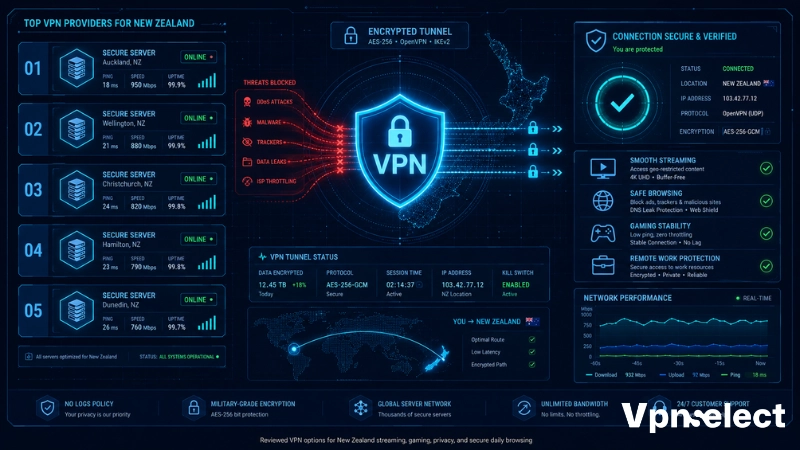
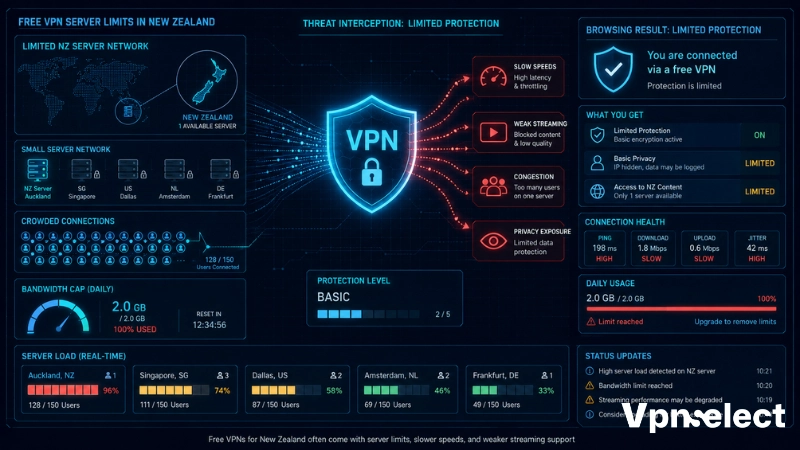
In reality, free VPNs with NZ servers are limited, and most come with tradeoffs such as slower speeds, limited bandwidth, weaker streaming support, or smaller server networks.
Consider the most realistic free VPN options currently available:
|
Free VPN |
Free NZ Server | Data Limit | Streaming Support | Privacy Reputation | Main Limitation |
|
Proton VPN Free |
No | Unlimited | Weak | Excellent | No NZ location |
|
Windscribe Free |
Limited | 10 GB/month | Moderate | Good |
Small free network |
| PrivadoVPN Free | Limited | 10 GB/month | Moderate | Good |
Speed restrictions |
| TunnelBear Free | No | 2 GB/month | Weak | Good |
Very small data allowance |
Free VPNs can also introduce privacy risks if providers log browsing activity, inject advertising, or monetize user traffic. Safer providers are transparent about their business model and security practices.
Best Free VPN for Basic Browsing and Privacy
For basic browsing and lightweight privacy protection, Proton VPN Free remains the safest realistic option, even though it does not provide a dedicated New Zealand server on the free plan.
Its unlimited bandwidth policy gives it an advantage over many competitors with strict monthly caps. The free version also avoids ads and maintains a stronger privacy reputation than many unknown VPN apps.
However, streaming support and advanced server selection remain limited on free plans.
Why Most Free VPNs Are Poor for Streaming and Gaming
Free VPN servers usually become overcrowded because thousands of users share the limited infrastructure. This often causes buffering, unstable latency, slower downloads, and inconsistent streaming quality.
Gaming performance suffers even more because congested servers increase ping times. Many free VPNs also struggle to bypass streaming restrictions from Netflix, TVNZ+, or Sky Go NZ consistently.
Users researching streaming performance frequently ask does VPN slow down internet, and the answer depends heavily on server quality, routing efficiency, and overall network congestion.
Are VPNs Legal in New Zealand?
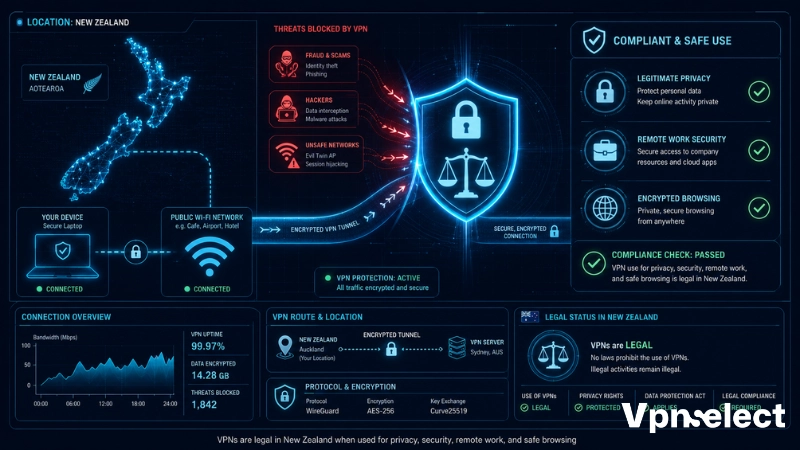
Yes, VPNs are legal in New Zealand for legitimate privacy and security purposes. Businesses, travelers, remote workers, and everyday users regularly use VPNs to secure internet traffic and protect personal information on public networks.
However, legality depends on how the VPN is used. Illegal activities such as fraud, hacking, or copyright infringement remain illegal even when a VPN is involved. VPN services themselves are not banned in New Zealand.
Many companies also use VPNs internally for encrypted remote access, especially when employees connect from overseas or public Wi-Fi networks.
For most users, a VPN for New Zealand is simply a security and privacy tool rather than a method to bypass laws.
How To Choose the Right VPN for Your Needs
The best VPN depends heavily on how you plan to use it. Some users prioritize streaming access while others focus more on gaming latency, privacy, or travel security.
|
User Need |
Recommended VPN | Why It Fits |
|
Streaming Netflix libraries |
NordVPN | Fast speeds and strong geo-unblocking |
|
Watching TVNZ+ abroad |
ExpressVPN | Stable overseas routing |
|
Gaming with low latency |
NordVPN |
Strong nearby Oceania routing |
| Budget multi-device protection | Surfshark |
Unlimited connections |
| Privacy-focused browsing | Proton VPN |
Strong transparency and security |
| Simple beginner setup | CyberGhost |
Easy apps and streaming profiles |
NordVPN remains the strongest all-around choice, while Surfshark offers the best value for households with many devices.
How To Set Up a New Zealand VPN
Setting up a VPN for New Zealand usually takes only a few minutes on desktop and mobile devices.
- Choose a trusted VPN provider with NZ servers.
- Download the VPN app from the official website or app store.
- Install the application and sign in.
- Select a New Zealand server or another preferred location.
- Enable the kill switch for additional protection.
- Connect and test your IP address using an online IP checker.
Most providers support WireGuard by default for faster speeds. Advanced users can also configure open VPN New Zealand connections manually using OpenVPN profiles.
How To Use OpenVPN Configuration Files
Advanced users sometimes prefer manual OpenVPN configuration for routers or custom setups.
- Download the OpenVPN configuration files from your VPN provider.
- Install the OpenVPN client on your device.
- Import the configuration file into the application.
- Enter your VPN credentials if required.
- Connect to the selected server location.
OpenVPN usually provides strong stability and compatibility, although WireGuard often delivers faster performance for everyday users.
Common VPN Problems and How To Fix Them
Even premium VPNs occasionally run into connection or streaming issues. Most problems can be solved quickly without advanced networking knowledge.
Common VPN problems include:
- Streaming platforms detecting VPN traffic
- Slow browsing or buffering
- VPN disconnects during gaming
- CAPTCHA verification loops
- Banking apps flagging unusual login locations
- GPS and IP location mismatches on mobile devices
Helpful fixes include:
- Switching to another server
- Using WireGuard instead of OpenVPN
- Clearing cookies and cache
- Enabling split tunneling
- Disabling conflicting GPS permissions
- Connecting to geographically closer servers
Reliable providers rotate IP addresses more frequently, which helps reduce streaming detection and CAPTCHA problems.
Conclusion
A VPN should make daily internet use safer without creating new problems. Reliable providers maintain stable speeds, avoid aggressive logging practices, and handle streaming or public Wi-Fi connections without constant disconnects or CAPTCHA loops. For New Zealand users, the safest approach is sticking with audited VPN services, enabling the kill switch, and avoiding unknown free apps that monetize user traffic.
At VPN Select, we recommend comparing long-term reliability instead of chasing marketing claims alone when choosing the best VPN for New Zealand.
FAQ
Do VPNs Slow Down Internet Speeds in New Zealand?
Yes, VPNs can reduce internet speeds slightly because encryption adds processing overhead. However, premium VPNs with nearby Oceania servers and WireGuard support usually maintain very fast browsing and streaming performance.
Can I Use a VPN on Apple TV, Chromecast, or Smart TVs in New Zealand?
Yes. Many VPN providers support smart TVs directly through native apps, Smart DNS tools, or router installation. ExpressVPN and NordVPN offer strong compatibility for streaming devices.
Why Do Some Websites Block VPN Traffic?
Websites block VPNs to prevent abuse, spam, automated scraping, or regional licensing violations. Streaming services especially monitor shared VPN IP addresses closely.
Can I Use a New Zealand VPN for Online Banking Safely?
Yes, but sudden location changes may trigger fraud protection systems temporarily. Using the same VPN server regularly often reduces security verification requests from banking platforms.
Should I Choose a VPN With Dedicated IP Addresses in New Zealand?
Dedicated IP addresses can help reduce CAPTCHA checks, banking login alerts, and streaming detection because the IP is not shared with many other users. They are especially useful for business or remote work setups.






Leave a comment