





























TunnelBear is a simple VPN with beginner-friendly apps, a recognizable bear-themed design, and a free plan. But is it actually worth using in 2026? This TunnelBear review looks at its free vs paid plans, privacy claims, app experience, streaming and torrenting limits, refund terms, and who should consider it.
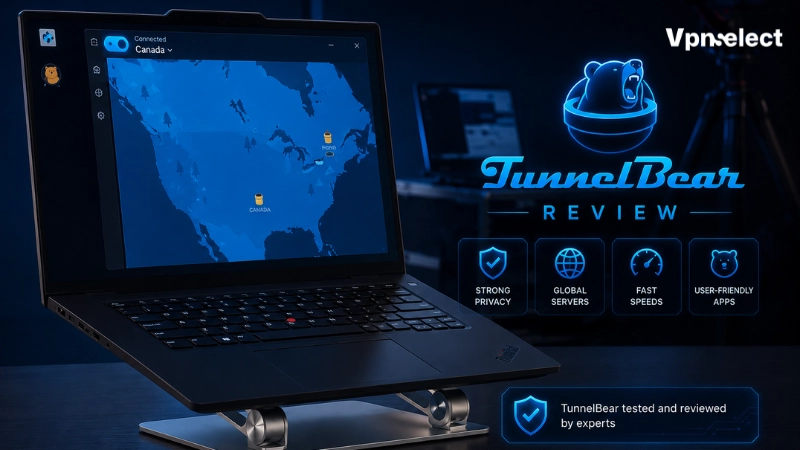
Quick Verdict: Is TunnelBear Worth It?
TunnelBear is worth considering if you want a simple VPN for public Wi-Fi, light browsing, and basic privacy. Its biggest strength is ease of use. The apps are simple, the interface is beginner-friendly, and the free plan lets you try the service before paying.
However, TunnelBear is not ideal for everyone. Its free plan includes only 2GB of secure browsing, which is useful for testing but too limited for heavy streaming, large downloads, or always-on VPN use. The paid plan removes the data limit and supports unlimited devices, but advanced users may still want more control, stronger streaming reliability, or broader setup options.
This TunnelBear review is best summarized this way: TunnelBear is good for beginners and light privacy use, but its limits matter.
TunnelBear Pros and Cons
|
Pros |
Cons |
|
Very easy to use |
Free plan is limited to 2GB |
|
Free plan available |
Not ideal for heavy streaming or downloads |
| Unlimited devices on paid plan |
Refund terms have conditions |
| No-logs claim |
Browser extension is not full-device protection |
| Simple app design |
Advanced users may want more settings |
TunnelBear’s main appeal is simplicity. It works best for users who want to connect quickly without dealing with technical settings. But that same simplicity can feel limiting if you want advanced configuration, router support, or detailed performance controls.
TunnelBear Free vs Paid Plans
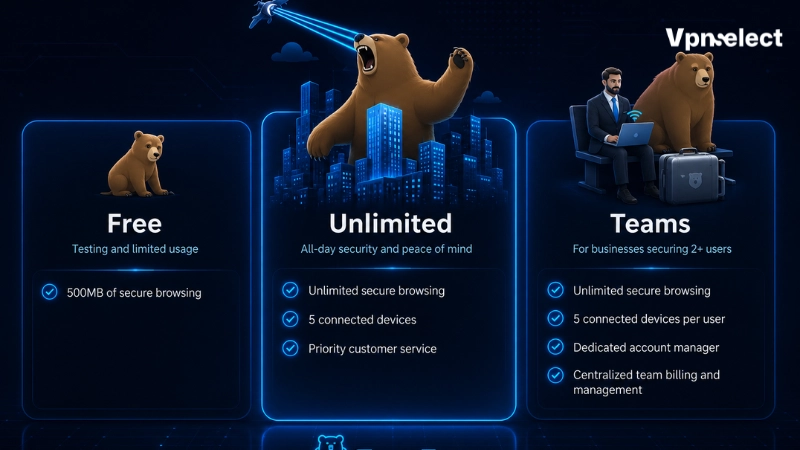
TunnelBear has three main plan types: Free, Unlimited, and Teams. Most individual users will compare Free vs Unlimited.
The free plan includes 2GB of secure browsing. That makes it useful for testing the app, checking basic performance, or protecting short browsing sessions on public Wi-Fi. It is not a good fit for long streaming sessions, large downloads, or regular torrenting.
The Unlimited plan is better for daily use. It includes unlimited secure browsing, unlimited devices, country selection, split tunneling, premium VPN servers, city-level server selection, and priority support. Pricing can change, so users should check TunnelBear’s current pricing page before upgrading.
The Teams plan is designed for businesses or groups, so it is less important for a standard consumer review.
If you are comparing TunnelBear with other providers, browsing more VPN reviews can help you see how its free plan and paid features compare.
Privacy and Security: Is TunnelBear Safe?
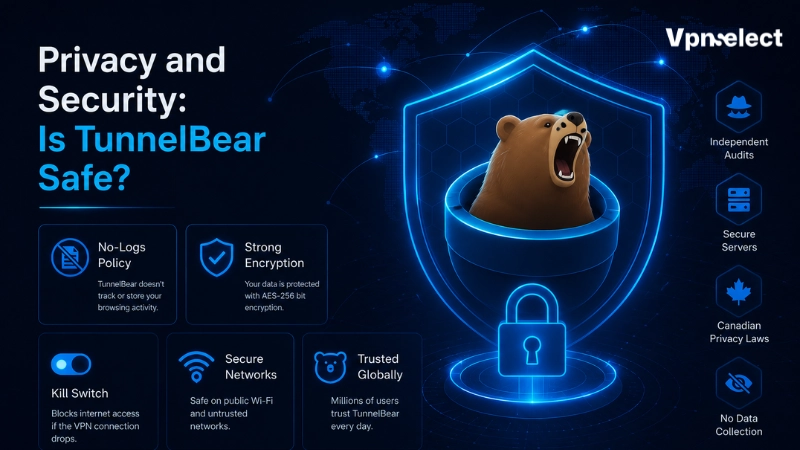
Privacy is one of the most important parts of this TunnelBear review. TunnelBear says it does not keep logs of what users browse while connected to its VPN. That is a positive claim for users who want to reduce what their ISP, local network, or public Wi-Fi operator can see.
However, “no logs” does not mean “no data at all.” Like most VPNs, TunnelBear still needs some account, billing, support, and operational data to run the service. So it is better to say TunnelBear states that it does not log browsing activity, instead of claiming it collects nothing.
TunnelBear also has a transparency-focused image and a history of independent security audits. That is a good sign, but users should still read the latest privacy policy and audit details before making a decision.
TunnelBear is suitable for basic VPN privacy, but users who want more advanced configuration may want to compare it with services covered in a VPN.ac review.
Apps and Ease of Use
Ease of use is one of TunnelBear’s strongest points. The app is simple, visual, and easy for beginners to understand. You choose a location, connect, and the VPN starts routing traffic through an encrypted connection.
TunnelBear offers apps for major platforms and also has browser extensions. But the browser extension is not the same as the full VPN app. A browser extension mainly protects browser traffic, while the full app is better for broader device protection.
This matters because some users install an extension and assume their whole device is protected. If you want VPN coverage beyond the browser, use the desktop or mobile app.
Overall, TunnelBear is best for users who want a VPN that feels simple rather than technical.
Speed and Performance Expectations
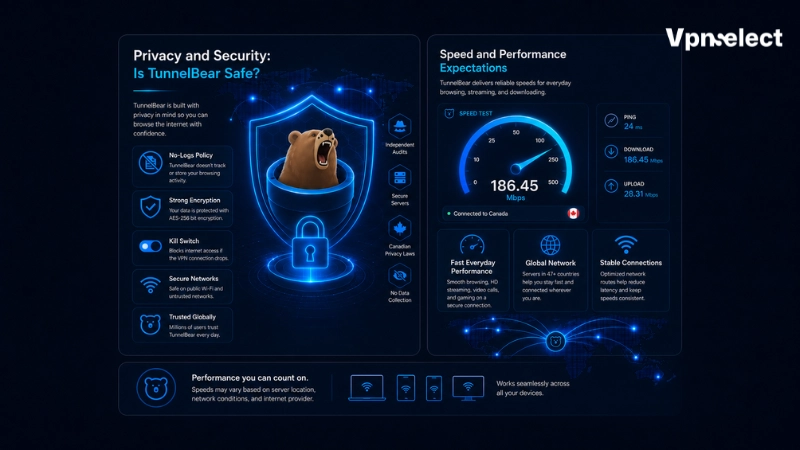
This TunnelBear review does not use hands-on speed test claims. VPN speed can vary based on your internet connection, server distance, VPN protocol, device, local network, and server load.
For casual browsing, messaging, and light public Wi-Fi use, TunnelBear should be enough for many users. But if your top priority is maximum speed, gaming latency, or large downloads, you should compare it with other VPNs before paying.
The free plan is useful because it lets you test the app on your own network. If performance feels inconsistent during light use, upgrading may not fully solve that for your specific connection.
Streaming and Torrenting Limits
TunnelBear should not be treated as a streaming-first VPN. Streaming access can change by platform, server, region, and time, so VPNSelect should not promise that TunnelBear will reliably work with Netflix, Disney+, Prime Video, or every streaming library.
The free plan is also too small for streaming. With only 2GB of secure browsing, even short streaming sessions can use the monthly allowance quickly.
Torrenting has similar limits. The free plan is not practical for large downloads, and users should always check current terms, local laws, and app behavior before using any VPN for P2P activity.
TunnelBear is better positioned as a simple privacy VPN for browsing and public Wi-Fi. If streaming is your main goal, compare it with another option such as this PrivateVPN review.
Customer Support and Refund Policy
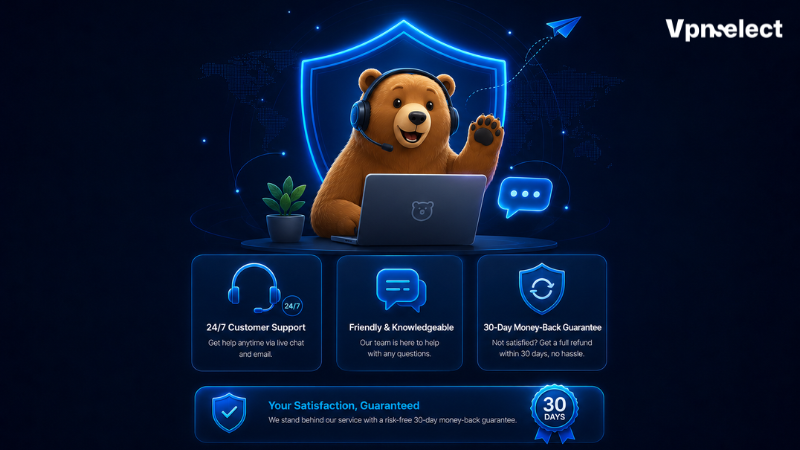
TunnelBear’s paid plan includes priority support, which may matter if you are paying for Unlimited and need help with account, billing, or connection issues.
The refund policy needs careful reading. TunnelBear’s terms mention a 30-day money-back guarantee for the first year of annual subscriptions purchased directly from TunnelBear’s website. Other purchases may not be covered in the same way, and refund requests may be reviewed.
Because of that, VPNSelect should avoid calling TunnelBear “risk-free” in a broad way. A more accurate statement is that TunnelBear has refund terms, but users should check whether their specific purchase qualifies before paying.
Who Should Use TunnelBear?
TunnelBear is best for beginners, casual users, and people who want a simple VPN for public Wi-Fi or light privacy. You may like TunnelBear if you want a free plan to test first, a clean app interface, unlimited devices on the paid plan, and a VPN that does not feel technical.
TunnelBear may not be ideal if you need stable streaming access, heavy torrenting, advanced privacy controls, router setup, Linux-focused workflows, or detailed manual settings. Power users may find it too simple.
In short, TunnelBear is a good fit for ease of use, not maximum flexibility.
TunnelBear Alternatives to Consider
TunnelBear is not the only VPN worth comparing. If you want more advanced configuration, a TorGuard review may be useful because TorGuard is often discussed in more technical VPN contexts.
If privacy is your main concern, compare no-logs claims, audit history, account data, payment options, and app transparency across multiple VPNs. If streaming is your main concern, compare services based on current reliability rather than broad marketing claims.
Proton VPN is another common comparison because it also has a strong privacy image and a well-known free plan. If you are deciding between the two, this comparison of TunnelBear and Proton VPN can help clarify which one fits your needs.
Final Verdict
TunnelBear is a friendly, simple VPN that makes sense for beginners, public Wi-Fi, and light privacy use. Its free plan is useful for testing, but the 2GB limit is too small for heavy everyday use. The paid plan improves the experience with unlimited browsing, unlimited devices, location choice, split tunneling, and priority support.
The main strengths are ease of use and beginner-friendly design. The main limits are the small free plan, conditional refund terms, and weaker fit for users who need streaming-first, torrenting-heavy, or advanced VPN features.
This TunnelBear review concludes that TunnelBear is worth considering if simplicity matters most.
FAQ
Is TunnelBear free?
Yes. TunnelBear has a free plan with 2GB of secure browsing. It is best for testing the service or short browsing sessions.
Is TunnelBear safe?
TunnelBear states that it does not log browsing activity while users are connected. However, no VPN makes you completely anonymous, and users should still read the latest privacy policy.
Does TunnelBear keep logs?
TunnelBear says it does not keep logs of what users browse while connected. Like most VPNs, it may still process account, billing, support, and operational data.
Is TunnelBear good for streaming?
TunnelBear is not the strongest choice if streaming is your main priority. The free plan is too limited, and streaming access can vary by platform and server.
Does TunnelBear offer a money-back guarantee?
TunnelBear’s terms mention a 30-day money-back guarantee for first-year annual subscriptions purchased directly from its website. Other refund cases may be reviewed differently.


Leave a comment