



















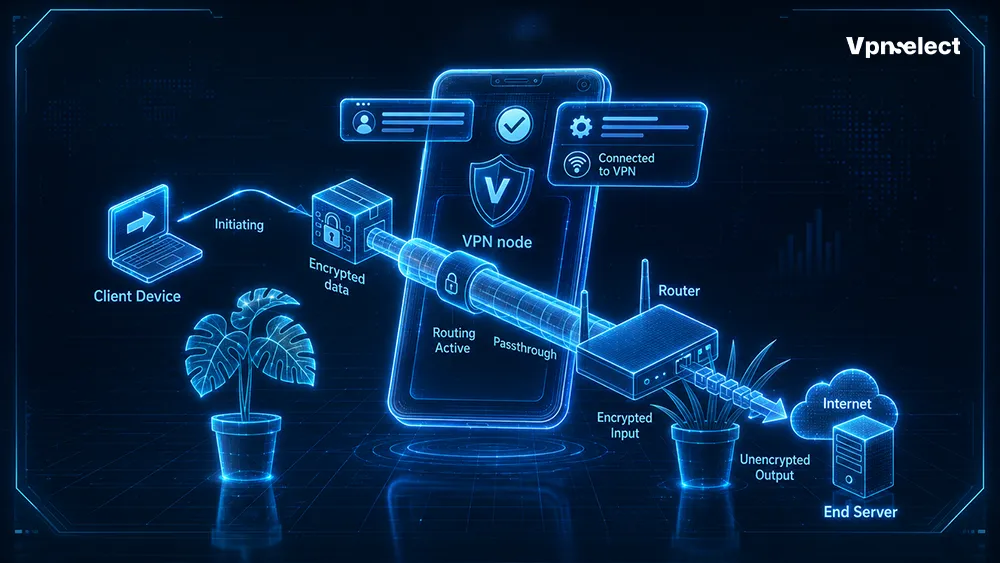
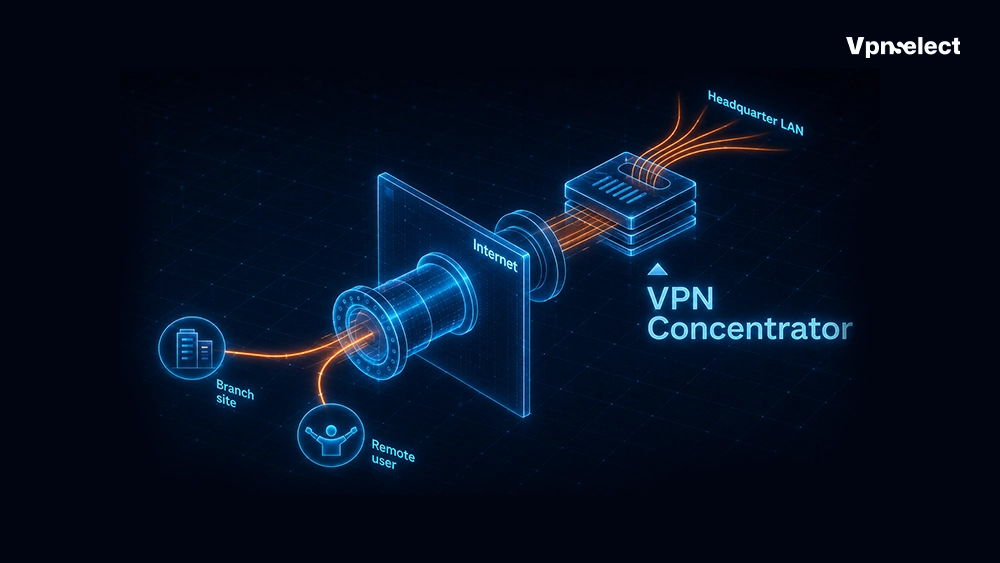






A VPN protocol defines how your device connects securely to a VPN server. In this article, we will explain what is a VPN protocol, how these communication standards protect your digital life, and who can benefit from using them.
You can learn how to compare their real-world speeds, understand differences between protocols, and discover the exact advantages they bring for privacy, safe browsing, and overall online security, helping you choose the best option for your daily internet activities.
What Is a VPN Protocol?
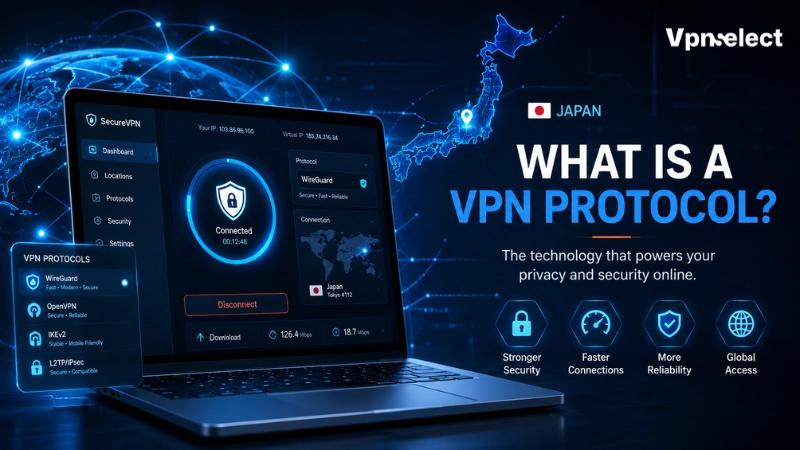
A VPN protocol is a set of rules that controls how your device connects to a VPN server. It keeps your connection secure, encrypts your data, and verifies your identity. In other words, it decides how your information travels safely over the internet. VPN protocols use three key functions: encryption, tunneling, and authentication.
These work together to protect your data from hackers and allow safe online activities. Understanding what is a VPN protocol helps you choose one that offers the right balance of speed, security, and device compatibility. For a broader overview of VPN concepts, you can browse VPN topics.
The Main Types of VPN Protocols and Their Differences
When learning what is a VPN protocol, it’s important to know the main types available today. Each protocol offers a different mix of speed, security, and device compatibility, so you can pick the one that best fits your online needs.
WireGuard: Fast and Simple
WireGuard is a modern VPN protocol with a lightweight design and strong encryption. It delivers very fast connections, making it perfect for streaming, gaming, mobile browsing, and daily VPN use. Its simplicity and efficiency have made it the default choice for many providers, giving users smooth, low-latency performance while keeping their data secure.
OpenVPN: Secure and Flexible
OpenVPN is an open-source protocol known for strong security and reliability. Even though it’s older than WireGuard, it allows customization for privacy and network needs. With wide compatibility across devices and platforms, OpenVPN remains a trusted option for both personal and professional use.
For more advanced privacy setups, such as hiding traffic in restricted networks, you can read about what is VPN obfuscation.
IKEv2/IPsec: Best for Mobile Users
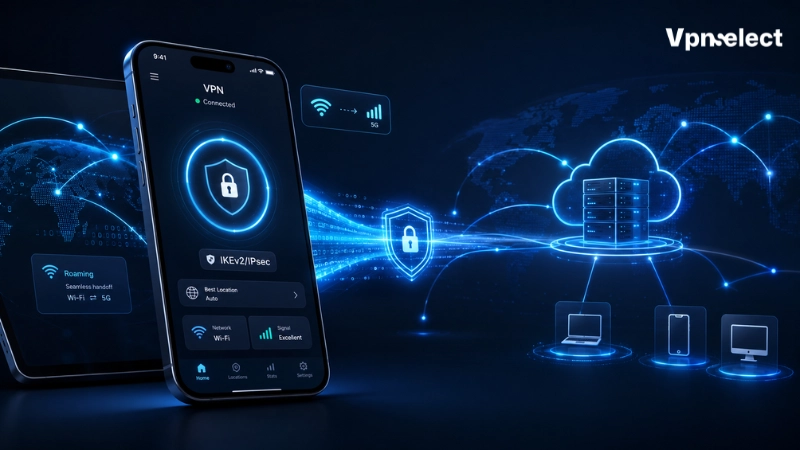
KEv2/IPsec keeps your VPN connection stable when switching between Wi-Fi and mobile networks. This makes it perfect for smartphones, tablets, and frequent travelers. Knowing what is a VPN protocol clarifies why IKEv2/IPsec is recommended for mobile users who need reliable security on the go.
SSTP: Works on Restrictive Networks
SSTP tunnels VPN traffic through HTTPS connections, allowing it to function on networks with strict firewalls. This is especially useful for Windows users or locations where other VPN protocols might be blocked. Understanding what is a VPN protocol helps users see why SSTP can be a reliable choice in restricted network environments.
L2TP/IPsec: Broad Compatibility
L2TP/IPsec combines tunneling and encryption and works on most operating systems. While it is secure, it is slower than modern protocols like WireGuard. Learning what is a VPN protocol shows that L2TP/IPsec is ideal for older devices or scenarios requiring broad compatibility, though newer protocols are often preferred for speed. For users curious about network compatibility and device setups, check what is VPN passthrough.
PPTP: Fast but Outdated
PPTP is one of the earliest VPN protocols. It is fast and simple to set up, but its known security weaknesses make it unsuitable for modern privacy needs. When understanding what is a VPN protocol, PPTP serves as an example of why speed alone is not enough—security must come first.
Comparing VPN Protocols by Speed, Security, and Use Cases
When deciding what is a VPN protocol to use, it’s important to balance speed, security, and reliability. The fastest VPN is not always the most secure, and the most secure may not offer the best performance.
|
Protocol |
Speed | Security | Latency | Reliability | Best Use Case |
|
WireGuard |
Very High | Strong | Low | High | Streaming, Gaming, Mobile |
|
OpenVPN |
Medium | Very Strong | Medium | High | Privacy, Secure Browsing |
|
IKEv2/IPsec |
High | Strong | Low | High |
Mobile Devices, Travel |
| SSTP | Medium | Strong | Medium | High |
Windows, Restrictive Networks |
| L2TP/IPsec | Medium | Moderate | Medium | Medium |
Broad OS Compatibility |
| PPTP | High | Weak | Low | Medium |
Legacy Systems (Not Recommended) |
This table shows that no single VPN protocol works perfectly for every situation. WireGuard is best for speed, OpenVPN provides the strongest security, and IKEv2/IPsec is ideal for mobile reliability.
By understanding what is a VPN protocol and comparing its features, you can choose the one that matches your goals, whether it’s privacy, speed, or device compatibility. For more guidance, see our VPN protocol recommendations.
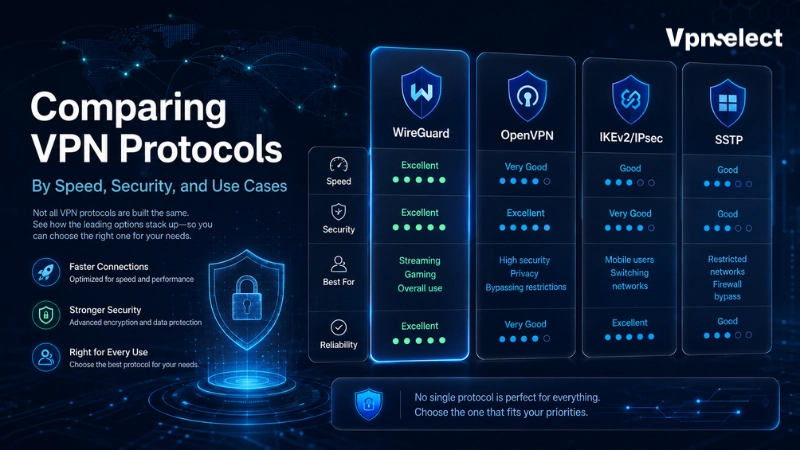
Fastest VPN Protocols for Streaming and Gaming
When learning what is a VPN protocol, speed is often a key factor for activities like streaming and gaming. Some protocols are designed to deliver low-latency and high-speed connections, ensuring smooth performance.
- WireGuard: Lightweight and modern, offering very fast connections.
- Low latency: Reduces lag during online gaming and high-definition streaming.
- Smooth experience: Ideal for users who need high performance without sacrificing basic security.
Most Secure VPN Protocols for Privacy
Understanding what is a VPN protocol also means knowing which options prioritize security. For users focused on protecting sensitive information, certain protocols offer stronger encryption and reliability.
- OpenVPN: Open-source, highly trusted for strong encryption and security.
- IKEv2/IPsec: Maintains stable and secure connections, even on changing networks.
- Privacy focus: Recommended for protecting personal data from hackers, ISPs, or government surveillance. For more details on online privacy, see can ISP see browsing history with VPN.
Best VPN Protocols for Mobile Devices
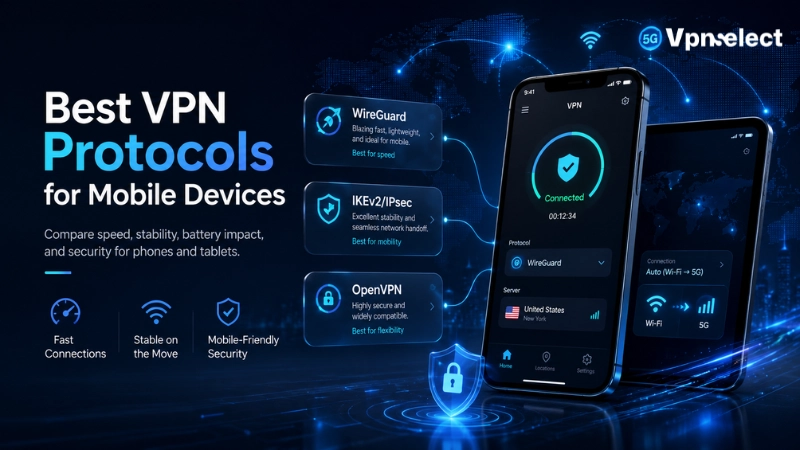
Mobile users need VPN protocols that stay connected while switching between networks. Learning what is a VPN protocol helps identify options that provide both speed and stability on smartphones and tablets.
- IKEv2/IPsec: Automatically reconnects when moving between Wi-Fi and mobile data.
- WireGuard: Lightweight and fast, suitable for mobile browsing and apps.
- Continuous protection: Ensures secure online activity even while traveling or switching networks.
How to Choose the Right VPN Protocol
We know that finding the perfect configuration depends entirely on your specific online goals. There is no single setting that works perfectly for every situation on the internet. We recommend matching your connection style to your immediate surroundings by following these clear guidelines:
- For Media and Entertainment: Select WireGuard to enjoy smooth 4K videos and low-ping online gaming.
- For Public Networks: Activate OpenVPN or WireGuard when connecting to shared airport or coffee shop Wi-Fi.
- For Commuting and Travel: Use IKEv2/IPsec on your smartphone to maintain stable protection across mobile towers.
- For Overcoming Firewalls: Switch to SSTP if standard connection methods fail on highly restricted work setups.
If you want to learn more about VPNs, including protocols, privacy tips, and security advice, you can find all of this and more on VPNSelect.
Common VPN Protocol Mistakes to Avoid
Understanding what is a VPN protocol also means knowing the mistakes users often make, which can compromise privacy, security, or performance. Here’s how to spot and fix them:
|
Mistake |
Impact | Fix |
|
Prioritizing speed over security |
Your sensitive data may be exposed | Choose a protocol that balances speed and encryption, like WireGuard or OpenVPN |
|
Using PPTP for sensitive tasks |
Vulnerable to hacking or attacks | Switch to a modern, secure protocol such as OpenVPN or IKEv2/IPsec |
| Ignoring device support | Can cause compatibility issues |
Check that the protocol works on all your devices before using it |
| Assuming all protocols are secure | Privacy could be compromised |
Research protocol security features and select one that meets your needs |
| Following outdated recommendations | Leads to slower connections and weaker security |
Update your VPN settings and choose protocols recommended by current experts |
Always pick a VPN protocol that fits your device, activity, and privacy needs. Avoid shortcuts like PPTP or outdated advice.
Final Thoughts
Understanding what is a VPN protocol helps you choose the best option for online privacy and security. By picking a protocol that matches your needs for speed, security, and device compatibility, you can enjoy smooth streaming, gaming, mobile browsing, and safe work activities. Make sure to assess your requirements carefully and stay informed to get the most reliable performance and protection.
FAQs
Which VPN Protocol Is the Safest?
OpenVPN and IKEv2/IPsec are considered the safest due to strong encryption and reliable connections.
Is WireGuard Better Than OpenVPN?
WireGuard is faster and simpler, while OpenVPN provides more flexibility and robust security. The choice depends on whether you prioritize speed or configuration control.
Do VPN Protocols Hide My IP Address?
Yes, all VPN protocols create a secure tunnel that masks your IP address, helping protect your privacy online.


Leave a comment