



















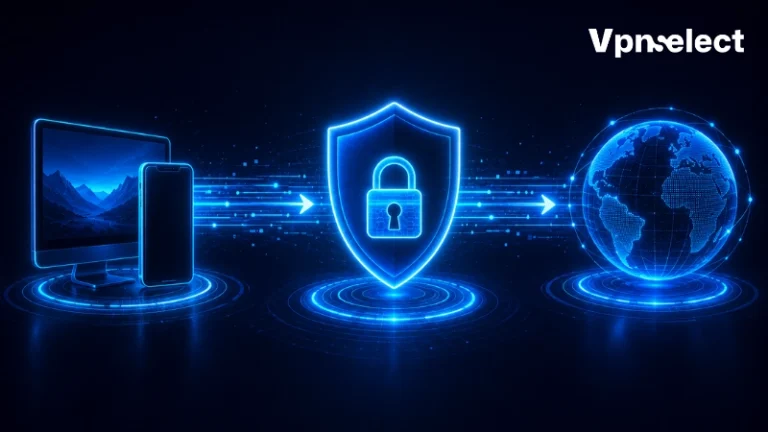






Does a VPN hide your IP address? In most everyday browsing situations, yes. A VPN can replace your visible IP with the IP address of a VPN server, so websites and apps do not see your original home, mobile, or public Wi-Fi IP. However, that does not mean a VPN hides everything. Your ISP, VPN provider, browser, accounts, cookies, GPS permissions, or technical leaks can still reveal information about you.
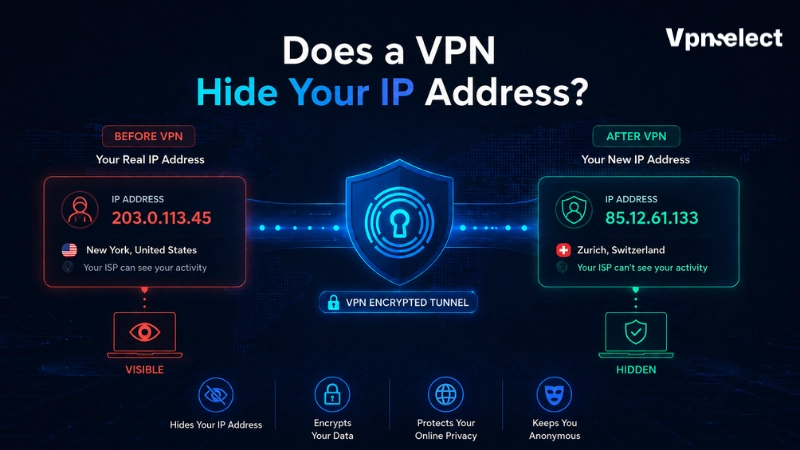
Quick Answer: Does a VPN Hide Your IP Address?
Yes, a VPN usually hides your real IP address from websites and online services by routing traffic through a VPN server first. Instead of seeing your actual IP address, the website normally sees the VPN server’s IP address.
But the better question is not only “does a VPN hide your IP address?” It is “who is your IP hidden from?” A VPN can hide your original IP from websites, IP-based advertisers, and people watching traffic on the same public Wi-Fi network. It does not fully hide you from your internet service provider, because your ISP still provides your connection and can usually see that you connected to a VPN server.
Does a VPN hide your IP address from logged-in accounts? Not fully. Those services can still identify the account even if your IP changes.
|
Who is looking? |
What they usually see when a VPN is active |
|
Website or app |
VPN server IP address |
|
ISP |
Your connection to a VPN server |
| Public Wi-Fi admin |
Encrypted VPN traffic |
| VPN provider |
Depends on its logging policy |
| Logged-in website |
Your account identity |
How a VPN Hides Your IP Address
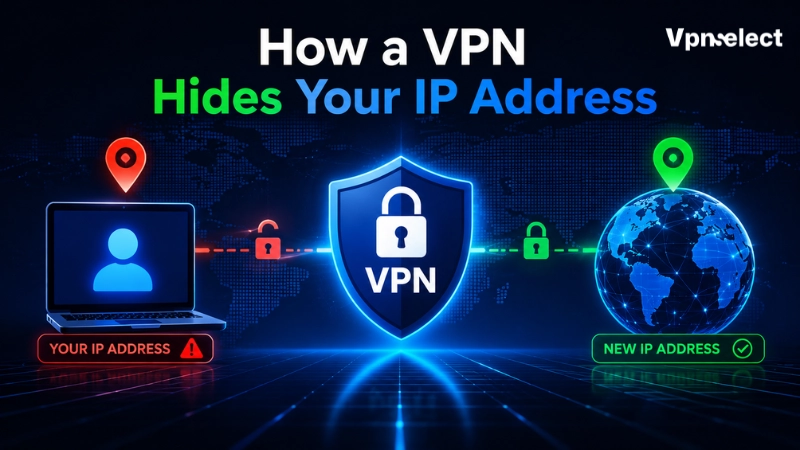
To understand the answer to “does a VPN hide your IP address?”, think of a VPN as a middle layer between your device and the website you visit.
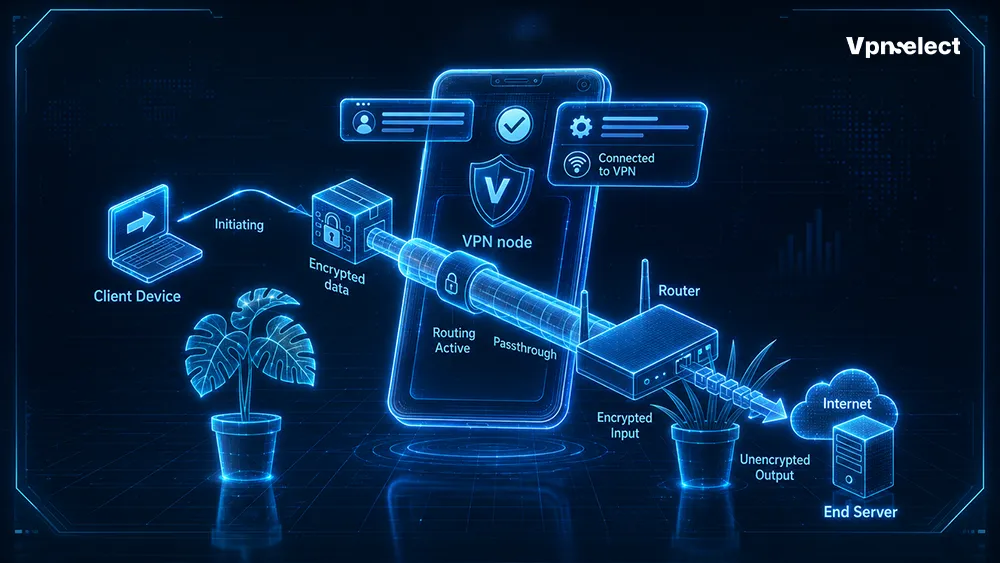
Without a VPN, your device connects more directly to websites through your ISP. The website receives a request from your real IP address. With a VPN, your device first connects to a VPN server through an encrypted tunnel. The VPN server then sends the request to the website on your behalf. Because the website receives the request from the VPN server, it usually sees the VPN server’s IP address instead of yours.
This is also why VPN encryption matters. The tunnel helps stop people on the local network from easily reading your traffic while it travels to the VPN server. For a deeper technical explanation, read our guide on what is VPN encryption.
Who Can Still See Your IP Address When You Use a VPN?
Does a VPN hide your IP address from every party involved in the connection? No. It changes what different parties can see.
Websites usually see the VPN server IP. That can help mask your real IP-based location. However, if you are logged in, the website may not need your real IP to recognize you.
Your ISP can still see that your connection exists. It can also usually see that you are connecting to a VPN server, when the connection happens, and how much data moves through it. What your ISP should not easily see, when the VPN works correctly, is the final website activity inside the encrypted tunnel. For broader background, see our VPN explained guide hub.
Your VPN provider is another important party. Its privacy policy, no-logs claims, audit history, and app security matter because your traffic passes through its servers.
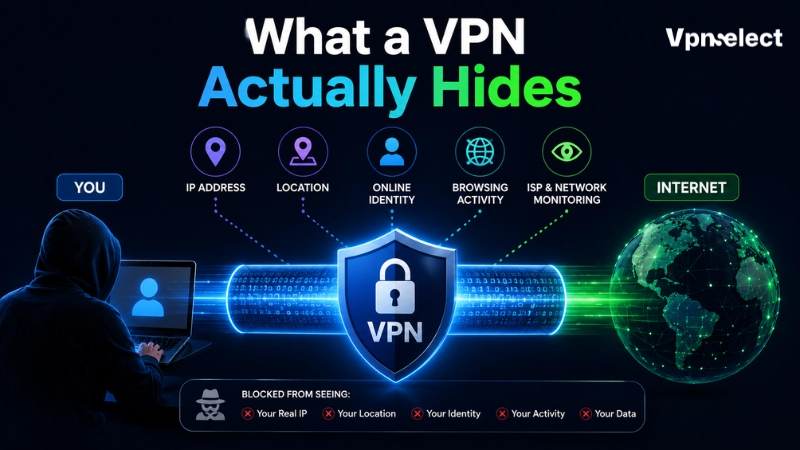
What a VPN Actually Hides
Does a VPN hide your IP address from websites? Usually yes. The website normally sees the VPN server IP instead of your real IP.
A VPN can also change your IP-based location. Many websites estimate location from IP address, so connecting to a VPN server in another city or country can change what they infer. But this is not the same as hiding GPS location from a phone app. For that difference, read our guide on can a VPN hide my location.
A VPN can also reduce exposure on public Wi-Fi. The local network may see encrypted VPN traffic, but not easily every website inside the tunnel.
What a VPN Does Not Hide
Does a VPN hide your IP address and erase every other trace? No. A VPN does not delete browser history saved on your device. If you browse in a normal window, your browser may still keep local history unless you clear it or use private browsing correctly. We explain this separately in does a VPN hide browsing history.
A VPN does not hide your identity from accounts you log in to. It also does not remove cookies, stop browser fingerprinting, hide GPS permissions, protect you from malware, or erase information you type into a website.
So, does a VPN hide your IP address enough for complete anonymity? No. Changing your visible IP can reduce one tracking signal, but websites can combine account login, device type, browser settings, time zone, cookies, payment details, and behavior patterns.
Why Your Real IP Address Might Still Leak With a VPN
Sometimes the answer to “does a VPN hide your IP address?” should be “it should, but check for leaks.” A VPN can be connected and still fail to hide every IP-related signal.
WebRTC leaks
WebRTC supports real-time browser communication. In some cases, it can expose local or public IP information, so privacy-focused users often run a WebRTC leak test after connecting.
DNS leaks
DNS requests translate domain names into IP addresses. If those requests go outside the VPN tunnel, your ISP or another resolver may still see which domains you request.
IPv6 leaks
If your network supports IPv6 but your VPN handles only IPv4, some IPv6 traffic may bypass the VPN and expose your real IPv6 address.
Split tunneling
Split tunneling lets selected apps bypass the VPN. If your browser or app is excluded, it may reveal your real IP.
VPN disconnects without a kill switch
If the VPN drops and there is no kill switch, your device may reconnect through your normal internet connection and reveal your original IP.
How to Check If Your VPN Is Hiding Your IP Address
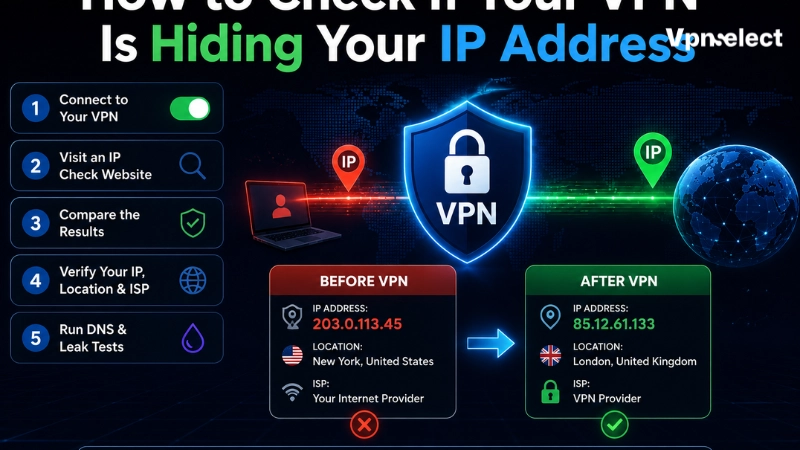
To test the question “does a VPN hide your IP address?” in practice, check your IP before and after connecting.
First, turn off the VPN and open an IP checker. Note the IP address and approximate location. Then connect to the VPN and refresh the page. If the VPN is working, the visible IP should change to the VPN server’s IP. This is the simplest way to answer “does a VPN hide your IP address?” on your own device.
Next, run a DNS leak test, a WebRTC leak test, and an IPv6 leak test if your network supports IPv6. Finally, check your VPN settings for kill switch and split tunneling, then confirm which apps are excluded.
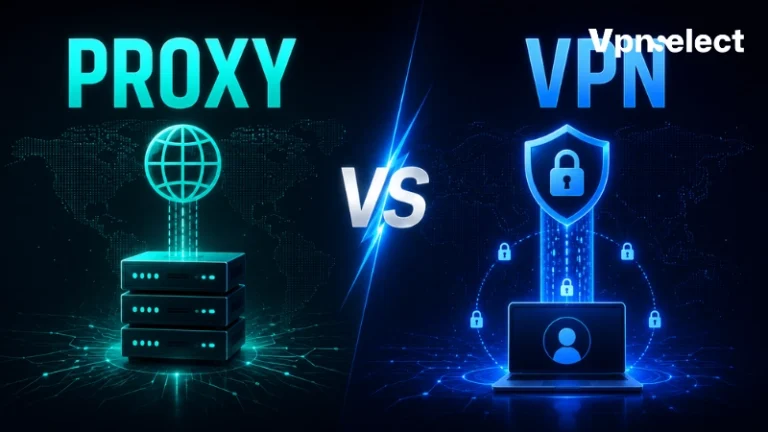
VPN vs Proxy vs Incognito: Which One Hides Your IP Better?
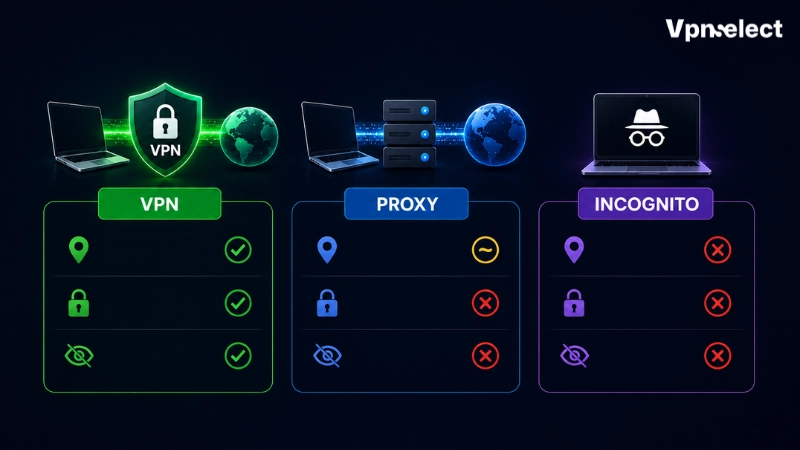
Does a VPN hide your IP address better than a proxy or Incognito Mode? Usually, yes, if the VPN app routes all device traffic through the VPN tunnel.
A proxy can also hide your IP from a website, but it is often limited to one app, browser, or connection type. In that comparison, does a VPN hide your IP address more broadly? Usually, yes. It may not encrypt traffic in the same way a full VPN app does.
Incognito Mode does not hide your IP address. It mainly stops the browser from saving some local session data after the private window closes. If your goal is understanding IP types, it also helps to compare dedicated IP VPN vs shared IP VPN, because websites may treat shared VPN IPs and dedicated VPN IPs differently.
How to Choose a VPN That Protects Your IP Address
If your main concern is IP protection, choose a VPN with a kill switch, DNS leak protection, clear IPv6 handling, and reliable full-device apps. Browser-only extensions can be useful, but they may not protect traffic from other apps.
Look for transparent privacy policies and avoid free VPNs that do not explain how they handle data. A no-logs policy is stronger when supported by independent audits or clear technical design.
Also check whether the provider explains WebRTC protection or browser settings. Does a VPN hide your IP address reliably? Only if the app, browser, and leak protection all work together.
Final Verdict
So, does a VPN hide your IP address? Yes, in the most com
mon sense: websites usually see the VPN server’s IP instead of your real IP. But a VPN does not hide everything or make you anonymous. For stronger protection, check for DNS, WebRTC and IPv6 leaks, enable the kill switch, and understand what IP masking can and cannot do.
Frequently Asked Questions
Does a VPN hide your IP address from websites?
Yes. A VPN usually hides your real IP address from websites by showing the VPN server’s IP address instead. Websites can still identify you through logins, cookies, browser fingerprinting, or information you submit.
Does a VPN hide your IP address from your ISP?
Not fully. Your ISP still knows your real connection and can usually see that you connect to a VPN server. A working VPN should make it much harder for the ISP to see the final websites inside the encrypted tunnel.
Why is my real IP still showing with a VPN?
Your real IP may show because the VPN is not connected, split tunneling excludes the app, the VPN disconnects, or leaks happen through DNS, WebRTC, or IPv6. When someone asks “does a VPN hide your IP address?”, this is why testing matters.
Does Incognito Mode hide your IP address?
No. Incognito Mode does not hide your IP address from websites or your ISP. It mainly limits what the browser saves locally after a private session.
Can a VPN make you completely anonymous?
No. A VPN can hide your IP address from websites, but it does not erase account logins, cookies, GPS data, browser fingerprints, malware risks, or information you voluntarily share.


Leave a comment