






























Finding the best free VPN for iPhone means choosing a safe iOS app with clear privacy, stable speed, and realistic free-plan limits.
Free VPNs can help protect your iPhone on public Wi-Fi, hide basic browsing activity from local networks, and add an extra privacy layer. However, many free VPN apps come with data caps, ads, slow servers, or unclear logging policies.
Below are the best free VPN apps for iPhone, how to choose the right one, and when a paid VPN is worth considering.
Best Free VPN Apps for iPhone (iOS)
The best free VPN apps for iPhone include Proton VPN Free, Windscribe Free, Atlas VPN Free, Hide.me Free, TunnelBear Free, and Hotspot Shield Free.
Each app fits a different use case. Some are better for privacy, while others are better for speed, beginner-friendly setup, or occasional streaming. If you want to compare free options with premium services, you can also check our Best VPN guide.
1. Proton VPN Free – Best Free VPN for iPhone Overall
Proton VPN Free is the best free VPN for iPhone overall because it offers unlimited data, strong privacy, and a clean iOS app.
Its biggest advantage is unlimited bandwidth. Many free VPNs stop being useful once the monthly data cap runs out, but Proton VPN Free can work better for daily browsing, messaging, email, and public Wi-Fi protection.
The main drawback is limited server choice. Free users may not always choose specific countries, and streaming performance can vary. Still, Proton VPN Free is the safest starting point for most iPhone users.
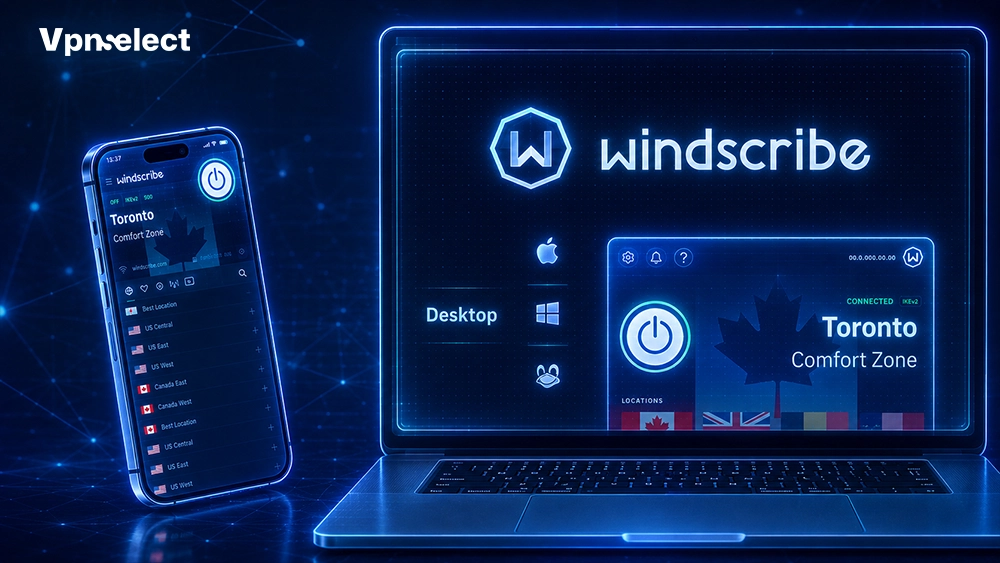
2. Windscribe Free – Best Free VPN for iPhone with Generous Data
Windscribe Free is a strong choice for users who want more features and better location flexibility.
It usually offers more free server options than many competitors, making it useful when one location feels slow or unstable. Windscribe also feels closer to a paid VPN because it includes helpful privacy tools.
The downside is the monthly data cap. It works well for browsing and light video use, but not for nonstop streaming. For Android users, see our best free vpn for android guide.
3. Atlas VPN Free – Best Free VPN for iPhone Speed
Atlas VPN Free is useful for iPhone users who want a simple and fast VPN app.
The setup is easy: install the app, sign in, allow VPN configuration, and connect. This makes it practical for public Wi-Fi in cafes, hotels, schools, and airports.
However, the free version may have limited servers, fewer features, and changing plan details. Atlas VPN Free is best for users who care more about simple protection than advanced controls.
4. Hide.me Free – Best Free VPN for iPhone Privacy
Hide.me Free is a good option for users who want a more privacy-focused free VPN.
It offers strong security basics and a clearer privacy approach than many unknown free VPN apps. This makes it suitable for public Wi-Fi, private browsing, and reducing local network tracking.
The trade-off is that Hide.me may feel less simple than beginner-focused apps. It is also not ideal for heavy streaming. For iPad users, our best vpn for ipad guide may be helpful too.
5. TunnelBear Free – Best Free VPN for iPhone Beginners
TunnelBear Free is best for beginners because its app is simple, visual, and easy to use.
You do not need technical knowledge to start. Just install the app, choose a location, and connect. This makes TunnelBear a friendly first VPN for iPhone users.
The main weakness is its small free data allowance. It is better for testing VPN protection or short public Wi-Fi sessions than for daily streaming or always-on use.
6. Hotspot Shield Free – Best Free VPN for iPhone Streaming
Hotspot Shield Free can work for casual browsing and occasional streaming on iPhone.
Its app is simple and usually fast enough for basic use. Users who want quick one-tap protection may find it convenient.
However, the free version can include ads, server limits, or usage restrictions. It is not the strongest privacy-first choice, but it can be useful for light, casual use.
Free vs Paid VPN for iPhone: Which Should You Choose?
Free VPNs are better for light browsing and testing, while paid VPNs are better for streaming, speed, privacy features, and long-term iPhone protection.
A free VPN is enough if you mainly use public Wi-Fi or want basic privacy. A paid VPN is better if you stream often, travel frequently, need more countries, or want faster servers.
Paid VPNs usually include better streaming support, more server locations, stronger customer service, and advanced features such as split tunneling, ad blocking, malware protection, and multi-device support.
Free iPhone VPN Apps Users Should Avoid
Avoid free iPhone VPN apps with unclear ownership, no privacy policy, fake reviews, too many ads, or unrealistic promises.
A risky VPN can be worse than no VPN because it may collect user data or route traffic through unknown servers. Before installing any free app, check the developer name, official website, App Store reviews, and privacy policy.
Be careful with apps that promise “unlimited premium VPN” for free without explaining how the service is funded.
How to Choose the Best Free VPN for iPhone
Choose the best free VPN for iPhone by checking privacy policy, data limits, server access, speed, App Store reputation, and ease of use.
Start with privacy. A reliable VPN should explain what it logs and what it does not log. Then check the data limit. Unlimited data is best for daily browsing, while a monthly cap is fine for occasional use.
Next, review server options and app quality. A good iPhone VPN should connect quickly, show clear connection status, and be easy to remove if you stop using it.
|
VPN App |
Best For | Main Strength | Main Limitation |
|
Proton VPN Free |
Overall use | Unlimited data | Limited free locations |
|
Windscribe Free |
Features | Generous data | Monthly cap |
|
Atlas VPN Free |
Speed | Easy app |
Limited features |
| Hide.me Free | Privacy | Security-focused |
Less beginner-friendly |
| TunnelBear Free | Beginners | Simple design |
Small data limit |
| Hotspot Shield Free | Casual streaming | Fast access |
Ads and limits |
How to Set Up a Free VPN on iPhone
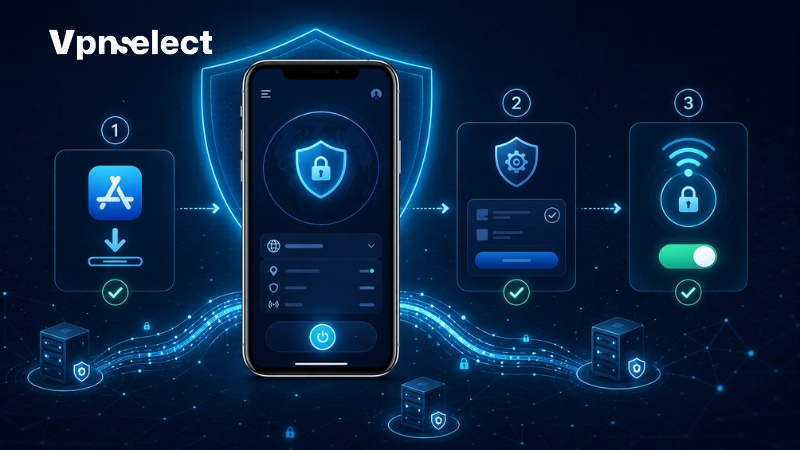
You can set up a free VPN on iPhone by installing a trusted app, allowing VPN configuration, signing in, and tapping connect.
First, open the App Store and search for the official VPN provider name. Avoid copycat apps with similar names or unclear developers. After installing, create an account if required.
Next, allow the VPN configuration when iOS asks for permission. Then open the app and tap connect. When active, your iPhone should show a VPN indicator. For a full setup guide, read our article on how to use vpn on iphone.
Common Free VPN Problems on iPhone and Simple Fixes
Common free VPN problems on iPhone include slow speed, connection drops, blocked streaming, and data limits.
If the VPN is slow, reconnect or switch server if available. If it keeps dropping, update the app, restart your iPhone, and check your Wi-Fi connection.
If streaming apps block the VPN, remember that many free plans are not built for stable streaming. If your data runs out, wait for the monthly reset, switch to an unlimited option, or consider a paid VPN.
Final Verdict
Proton VPN Free is the best overall free VPN for most iPhone users, while Windscribe, Hide.me, TunnelBear, Atlas VPN, and Hotspot Shield fit specific needs.
Choose Proton VPN Free for unlimited data and privacy. Choose Windscribe for more features. Choose TunnelBear if you are new to VPNs. Choose Hide.me if privacy control matters most.
Start with a trusted free VPN, test it with your normal iPhone routine, and upgrade only if you need faster speed, better streaming, or more server locations. For more VPN guides, visit VPN Select.
FAQs
Are free VPNs safe to use on iPhone?
Free VPNs are safe on iPhone only when they come from reputable providers with clear privacy policies and transparent limits.
Avoid unknown free VPN apps with aggressive ads, unclear logging rules, or fake reviews.
Do free VPNs work with Netflix on iPhone?
Some free VPNs may work with Netflix on iPhone, but most are not reliable for consistent streaming.
A paid VPN is usually better for stable Netflix access.
Will a free VPN slow down my iPhone?
A free VPN can slow down your iPhone because traffic passes through an encrypted VPN server.
The slowdown is usually small for browsing but more noticeable for streaming, gaming, or video calls.
How do I remove a VPN from my iPhone?
You can remove a VPN from iPhone by deleting the app and removing its VPN profile in Settings.
Go to Settings, open VPN & Device Management, select the VPN profile, and remove it.



Leave a comment