


















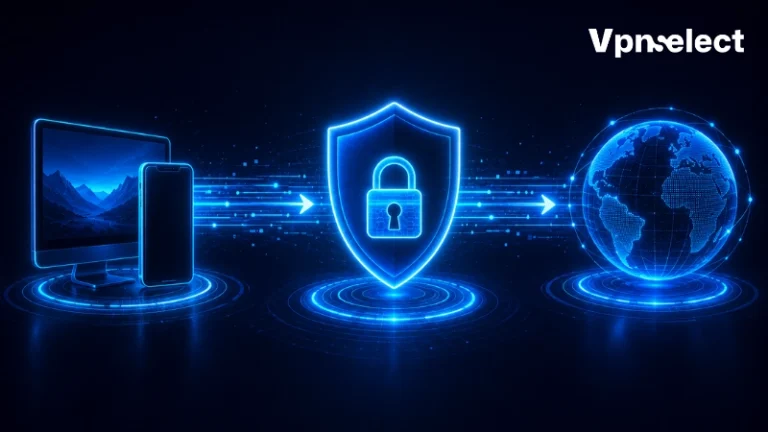



Explore what is a VPN used for to see how it protects your online activity by encrypting data and masking your IP address, keeping your digital life private. From browsing on public Wi-Fi to working remotely or staying connected while traveling, a VPN shields sensitive information and helps you navigate the internet securely.
Curious how it actually safeguards your data and improves online freedom? Let’s explore the key ways a VPN keeps you protected and in control.
What Is a VPN and How Does It Work?
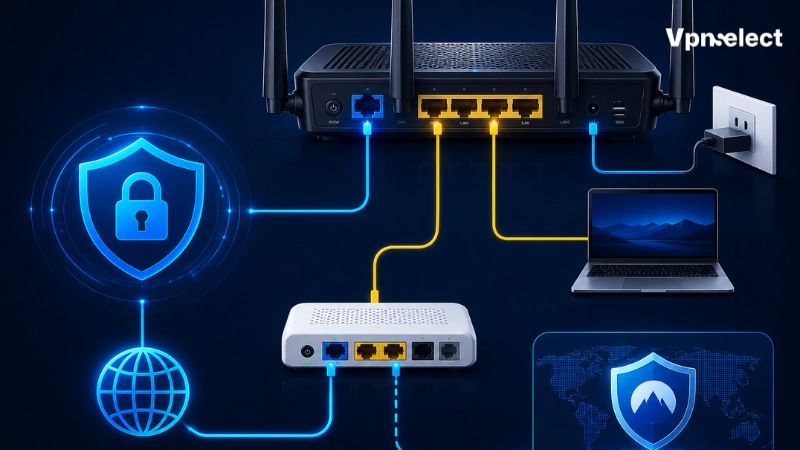
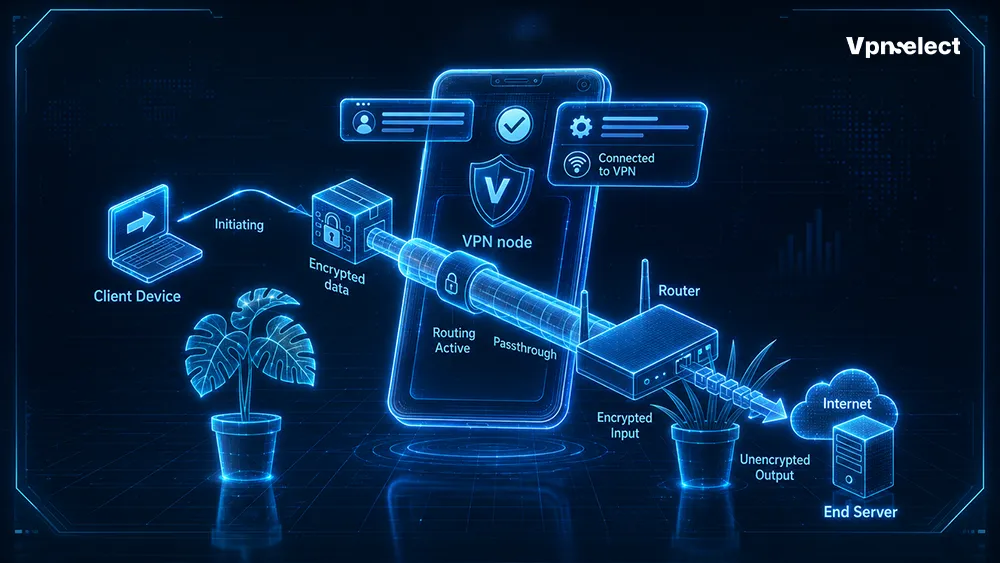
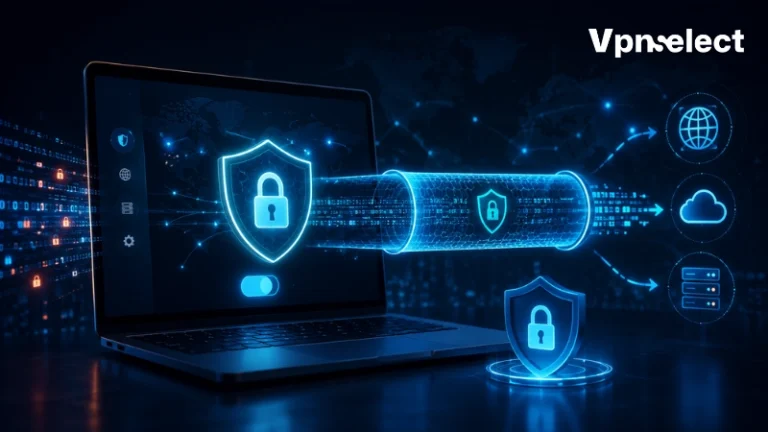
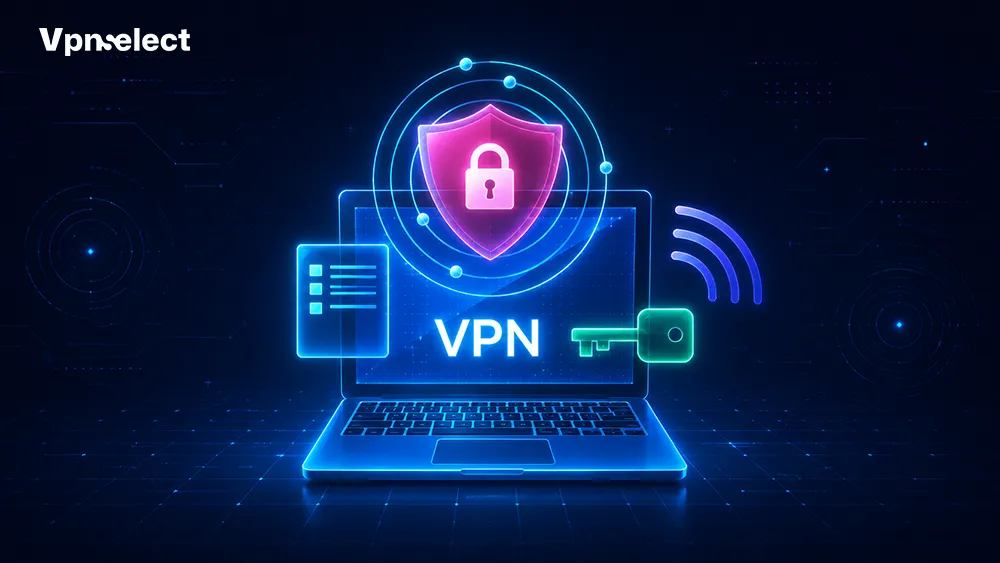
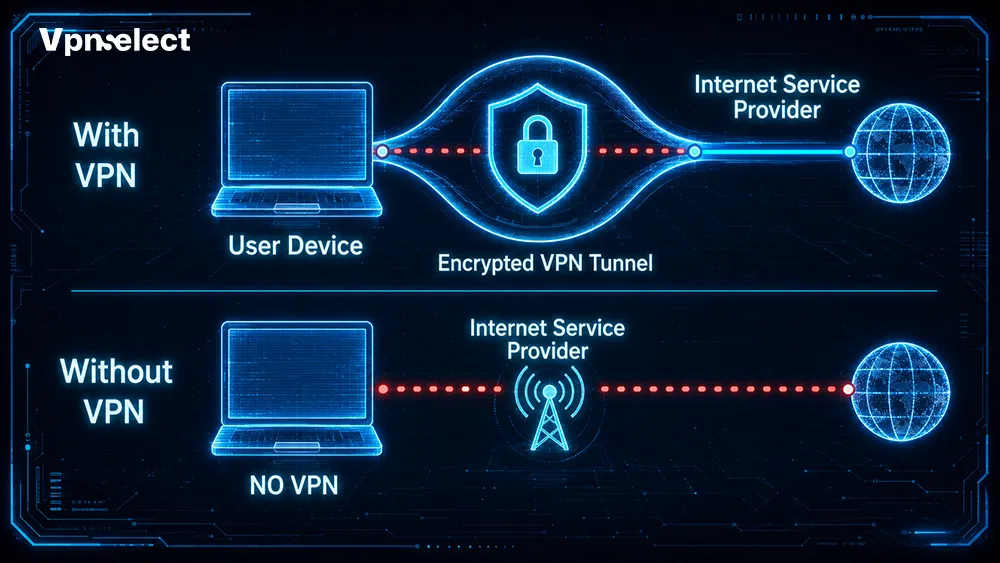
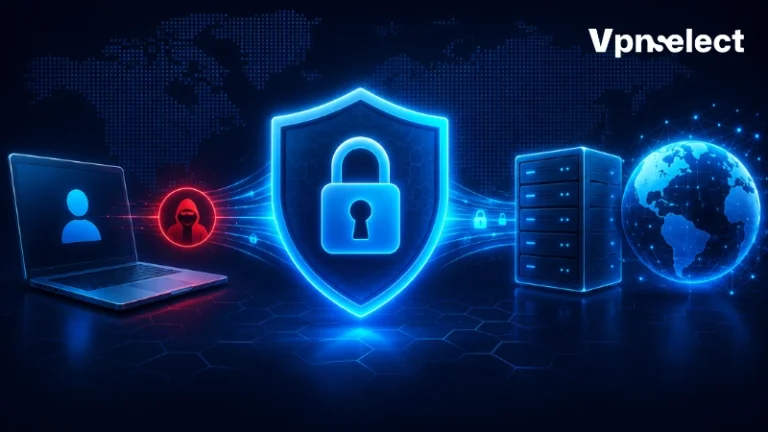
A VPN establishes a secure, encrypted tunnel between your device and a VPN server. This process hides your real IP address, encrypts traffic, and ensures that your online activities remain private. It works silently in the background, allowing you to browse safely without worrying about local network threats.
How your data travels with a VPN:
- Device encrypts traffic: Your connection is scrambled before leaving your device.
- Data travels to VPN server: Encrypted information moves through a secure tunnel.
- VPN server decrypts data and masks your IP: The server replaces your real IP with its own.
- Data reaches the destination website: Your requests appear as coming from the VPN server, not your device.
For a broader overview of different types and network protocols, explore our comprehensive index of all VPN guides.
4 Essential Use Cases: Why People Use a VPN
Once a corporate tool, VPNs now serve everyday internet users. They offer privacy, secure connections on public Wi-Fi, access to content while traveling, and protection for remote work environments. Understanding these key functions helps users maximize safety and convenience.
1. Protecting Personal Privacy and Masking Your IP
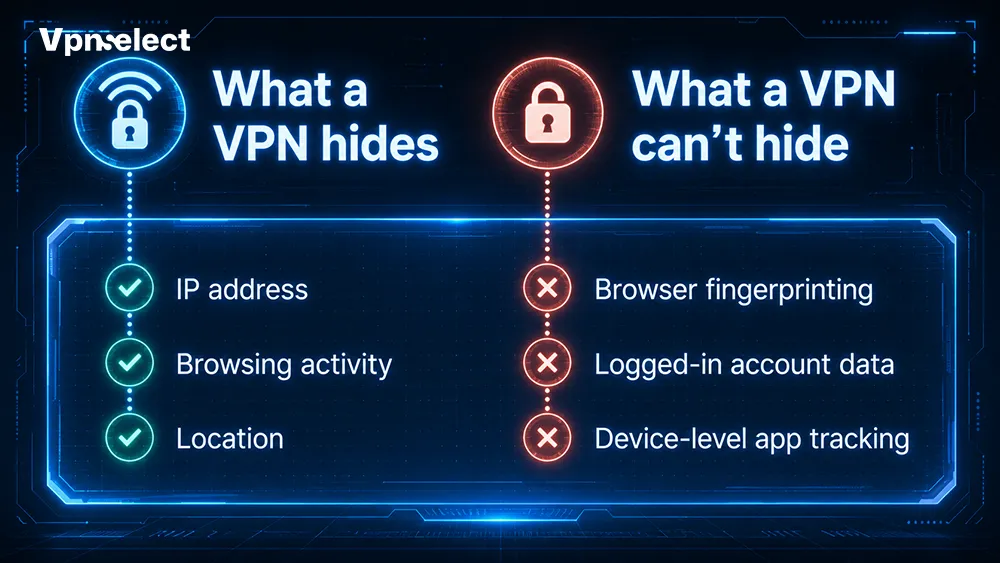
VPNs prevent ISPs, advertisers, and network administrators from logging your browsing history. While VPNs do not provide total anonymity, they shield critical data and limit exposure.
Information a VPN shields:
- IP address
- Physical location
- Search history
Information still visible:
- Account logins
- Cookies
- Browser settings
Using a VPN ensures privacy while maintaining realistic expectations of your online footprint.
If you are weighing whether privacy protection matters for you, see our article on “Is a VPN worth it?” for a full assessment.
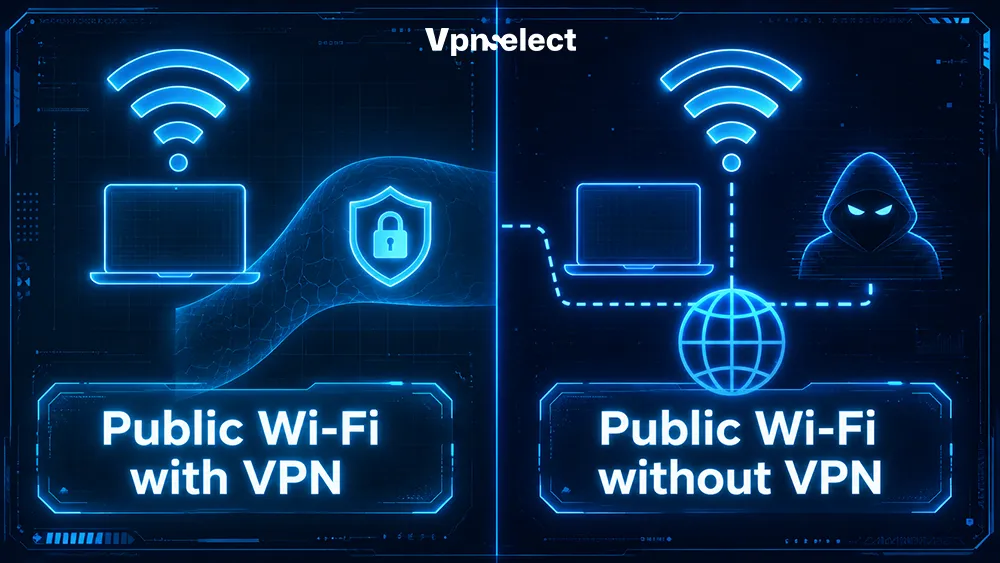
2. Securing Connections on Public Wi-Fi
Public networks, like cafes, airports, hotels, or universities, are prime targets for hackers. VPN encryption protects your data from “man-in-the-middle” attacks, keeping sensitive information secure.
When to use a VPN on public Wi-Fi:
- Accessing online banking
- Entering credit card information while shopping
- Logging into work or email accounts
Encryption ensures that even on unsecured networks, your data remains protected.
3. Accessing Regional Content While Traveling
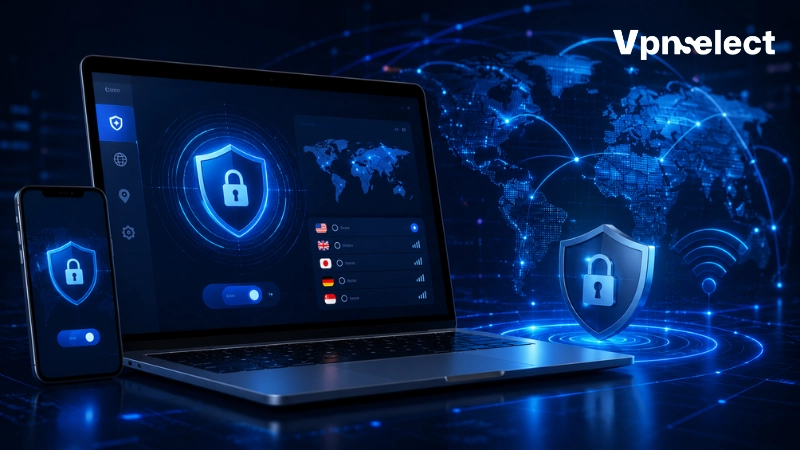
VPNs let you route your internet traffic through servers in different locations. This allows secure access to home-region streaming services while abroad. For instance, if you are traveling to the Middle East, using the best VPN for Israel ensures you won’t lose access to your local financial or entertainment accounts.
VPNs can also protect online gamers from DDoS attacks, though they may slightly increase latency depending on server distance. Transparency is key: VPNs help maintain access and security, not guarantee bypassing geo-blocks.
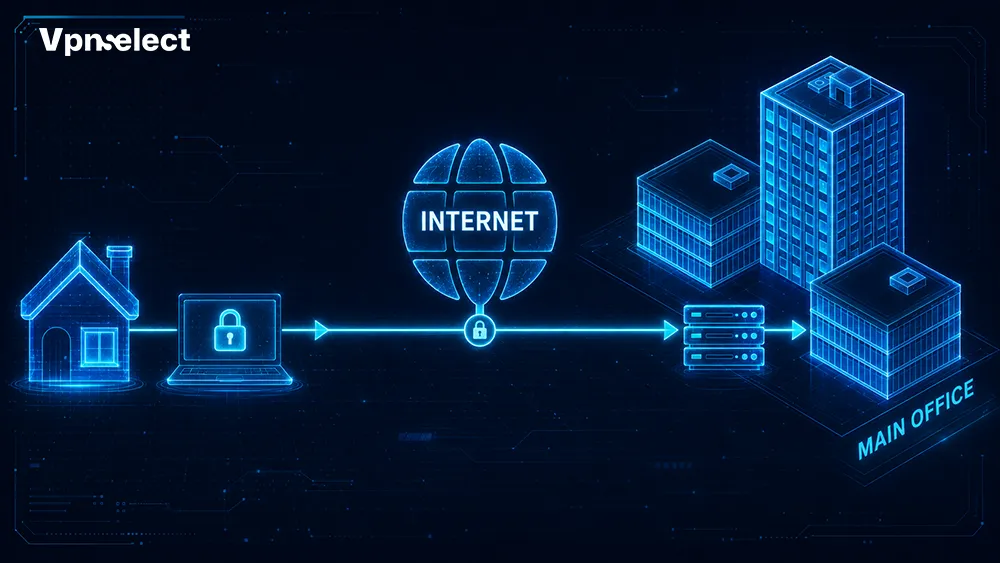
4. Secure Remote Work and Business Access
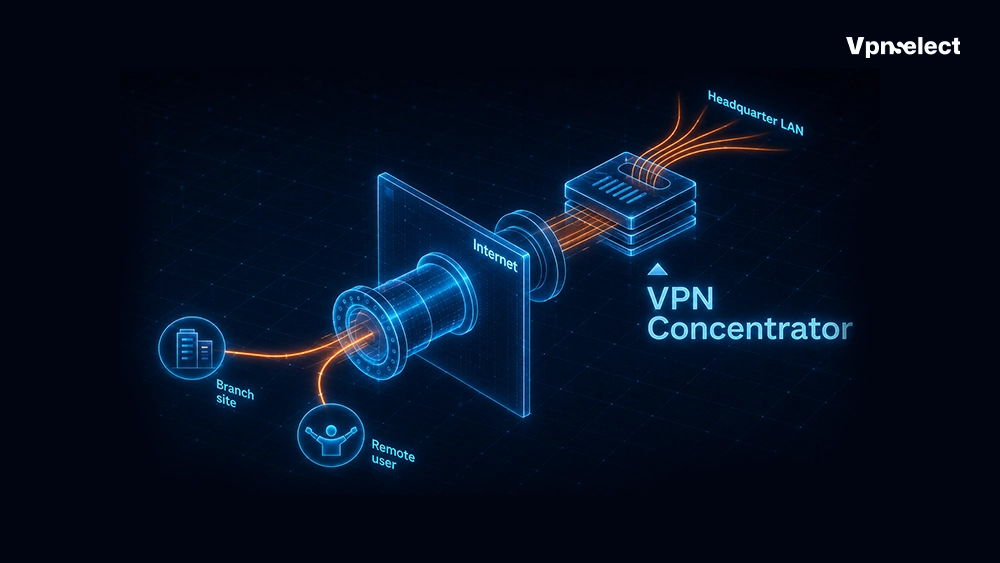
Organizations use VPNs to let remote employees safely connect to internal systems without exposing sensitive data over public networks.
|
Feature |
Consumer VPN | Business VPN |
|
Primary Purpose |
Privacy and secure browsing | Secure access to internal corporate systems |
| Access Rights | Public internet only |
Internal servers and sensitive resources |
| Authentication Methods | Username & password |
Multi-factor authentication, centralized control |
Business users may also benefit from advanced protocols. Learn more about “What is IKEv2 VPN?” and how it enhances remote connectivity.
Realistic Expectations: What a VPN Cannot Do
A VPN is a powerful tool, but it cannot protect against all online threats. Malware, weak passwords, or browser fingerprinting require other solutions. Understanding these limitations ensures users maintain realistic security practices.
Quick-reference table of VPN coverage:
|
Threats Mitigated by VPN |
Threats Requiring Other Tools |
|
ISP tracking |
Malware downloads |
|
Public Wi-Fi sniffing |
Weak or reused passwords |
| IP address exposure |
Browser fingerprinting |
| Basic geo-location tracking |
Data leaks from cookies and trackers |
While VPNs boost privacy and security, complementing them with antivirus software and strong passwords is essential.
How to Choose a Reputable VPN Provider
Selecting a trusted VPN ensures maximum protection and performance. Key factors include:
- Strict no-logs policy (ideally independently audited)
- Strong encryption standards (AES-256 or ChaCha20)
- Fast, modern protocols (WireGuard or OpenVPN)
- Built-in Kill Switch feature
- Diverse server locations and device compatibility
Following these criteria helps you safely use a VPN while maintaining speed and reliability. For guidance on setup, see our guide on steps to use a VPN.
Conclusion
A VPN is an essential baseline tool for online privacy, public Wi-Fi protection, travel convenience, and secure remote work. While it cannot solve every security risk, when paired with strong passwords, multi-factor authentication, and safe browsing habits, it greatly enhances online safety.
Understanding what is a VPN used for empowers you to navigate the internet confidently and securely.
FAQs
Is a VPN legal to use?
VPN use is legal in most countries. Some regions restrict VPNs or require government-approved providers. Always check local regulations to ensure compliance.
Does a VPN protect me against hackers?
VPNs protect your data from interception on networks and mask your IP, but they do not block malware or phishing attacks. Combine a VPN with antivirus and safe browsing practices.
Can a VPN improve my internet speed?
VPNs generally do not increase speed. Some cases with ISP throttling may see a minor improvement, but latency may rise depending on server location.
Do I need a VPN on my phone?
Yes. Smartphones often connect to unsecured networks. Using a VPN on mobile helps secure personal information, protect communications, and maintain privacy on public Wi-Fi.
Leave a comment